
loading.. Please Wait
When a guest accesses one of your properties on your website but doesn't finish booking it, MAPRO creates a “Lead Reservation” and sends you the guest’s contact information so you can reach out to them and close the deal.
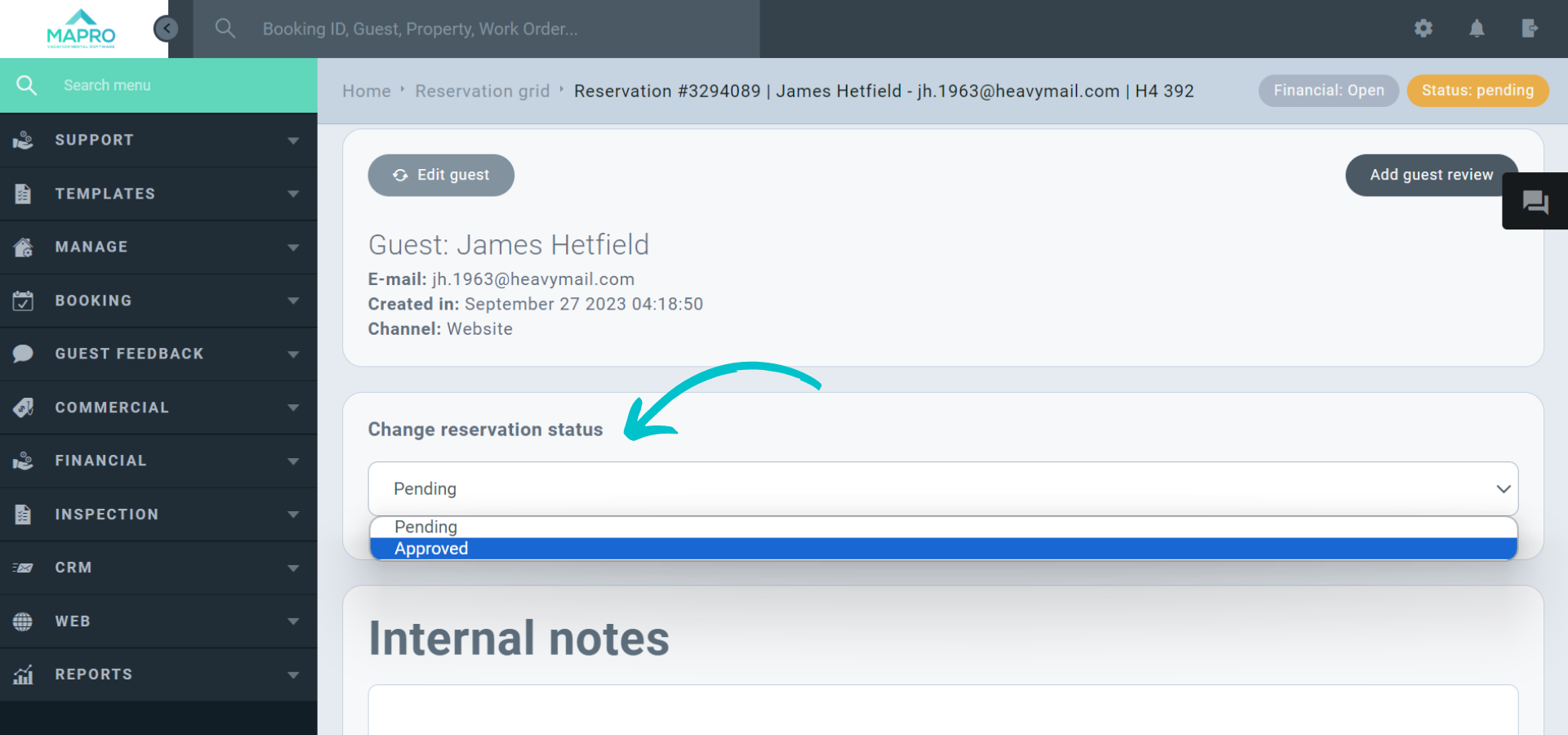
All Lead Reservations show on MAPRO as “Pending” reservations, and you can just change their status to “Approved” once the guest confirms.
You can access “Lead Reservations” via our e-mail notice, on our Home Page, and through the Reservations Grid.
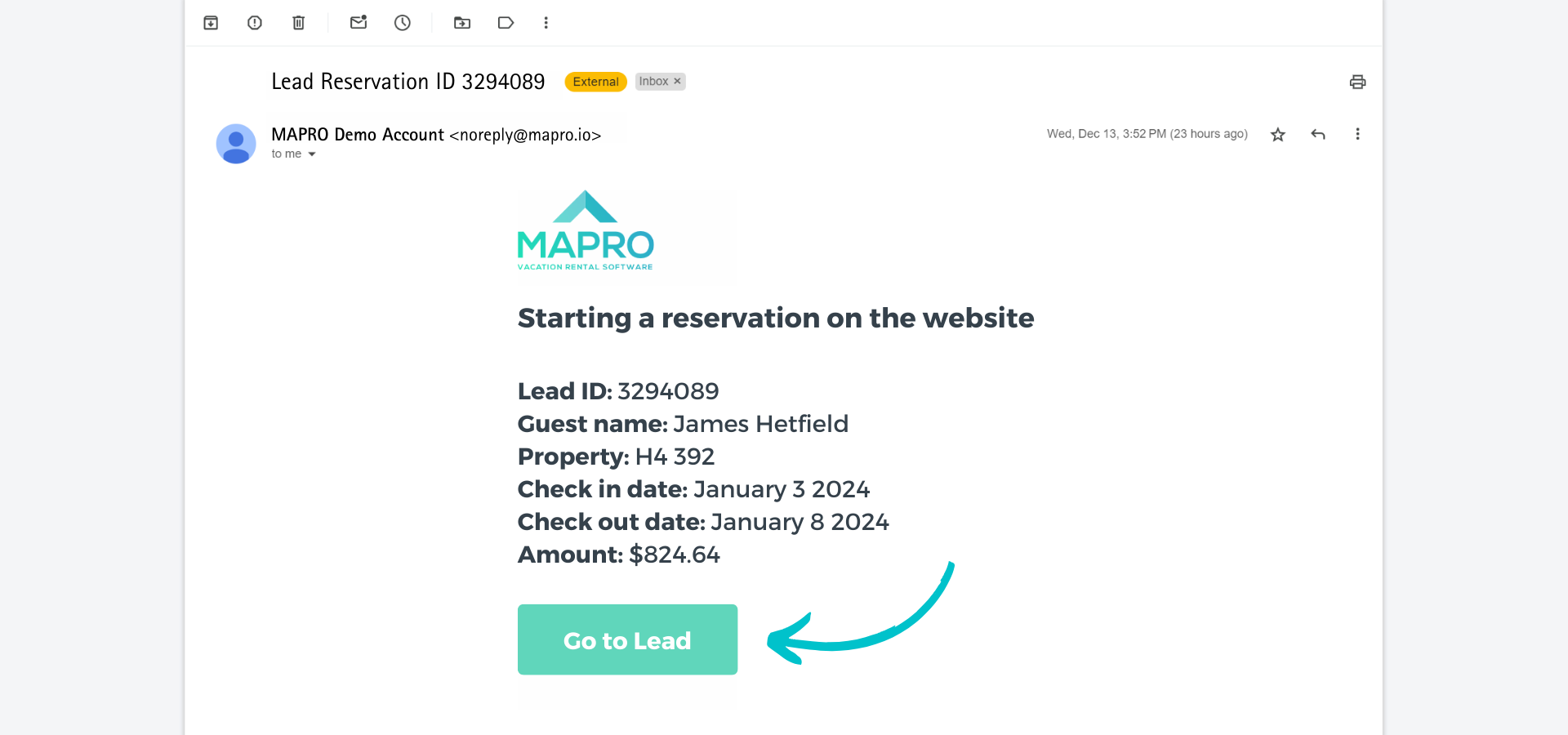
You receive an email from MAPRO titled “Lead Reservation ID 123456”.
Just open the email and click the link to see the entry in MAPRO.
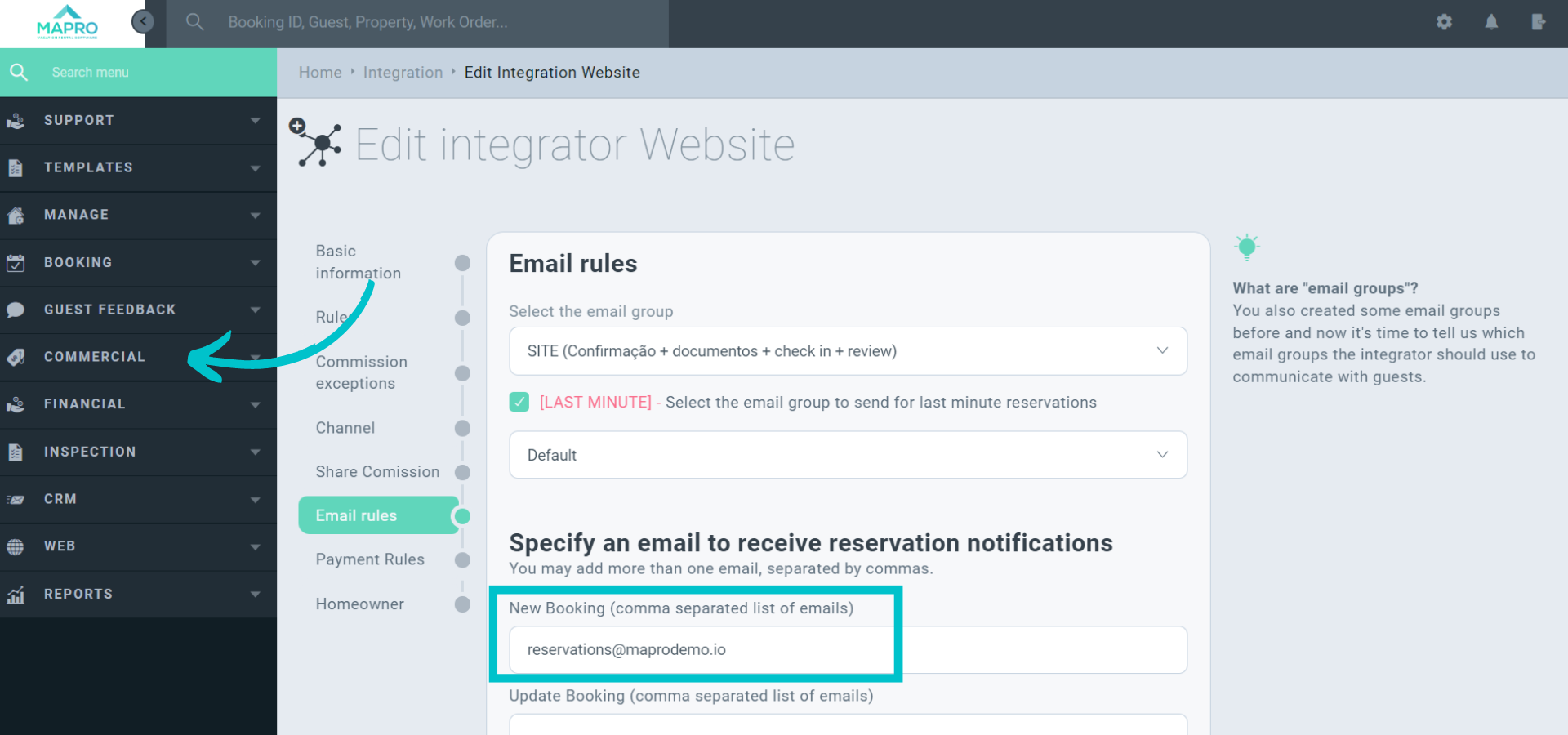
To register a new e-mail address to receive these notifications, access MENU > COMMERCIAL > INTEGRATIONS, and click the “Website” integrator.
Then open the “E-mail Rules” tab, and enter the addresses you wish to send the notice to in the “New Booking” field.
Access MENU > BOOKINGS > RESERVATIONS GRID and filter by Status = Pending.
Check here how to use our filters.
There’s a report called “Pending Reservations” on our Home.
If it’s now visible to you, check here how to enable it.



