
loading.. Please Wait
A work order is usually marked as "Executed" by the person who does the job. A property manager's employee with a MAPRO user registered will access the orders at MENU > MANAGE > WORK ORDERS. A company registered as a supplier will access them at MENU > CALENDAR. The visualization may change according to the permissions set by the property manager.
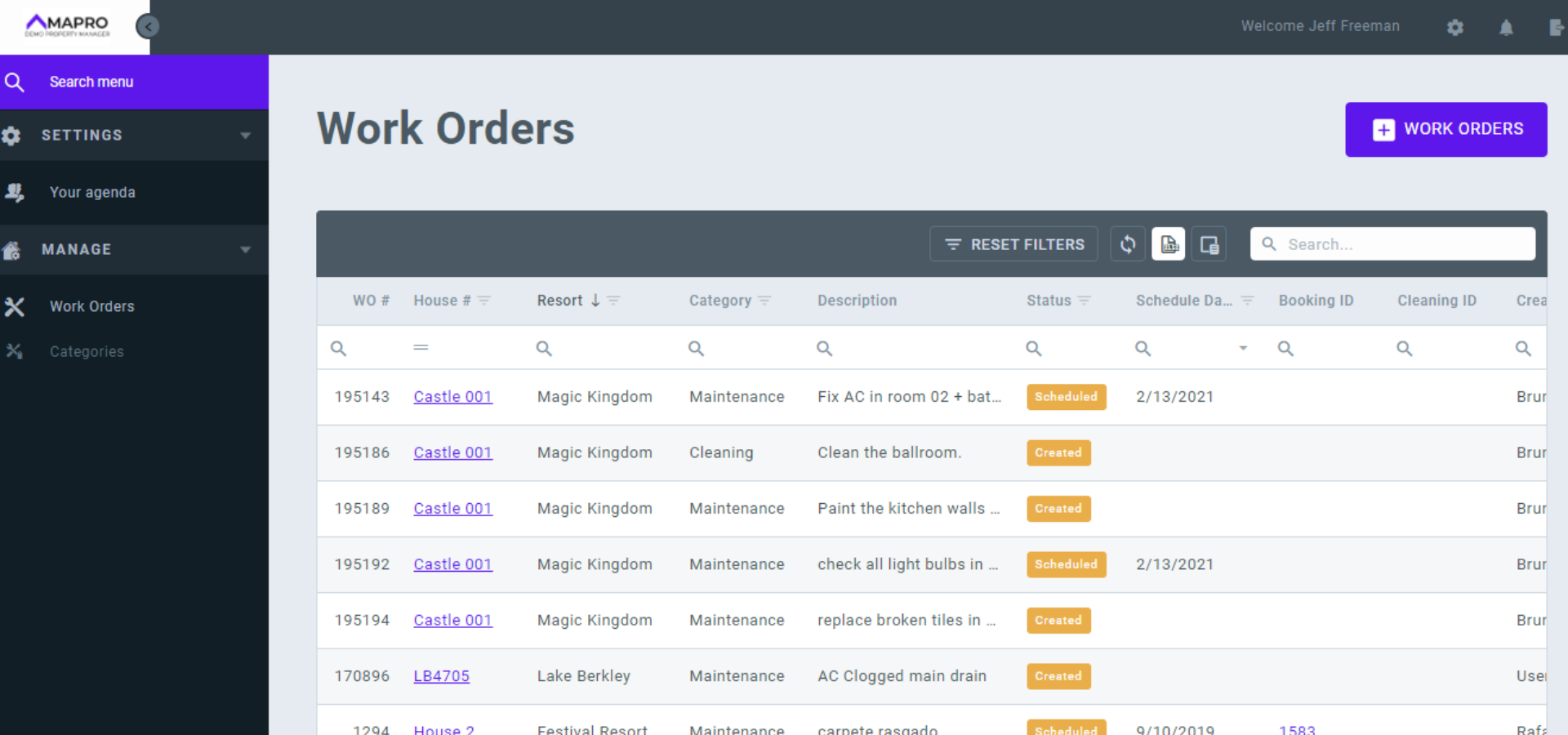
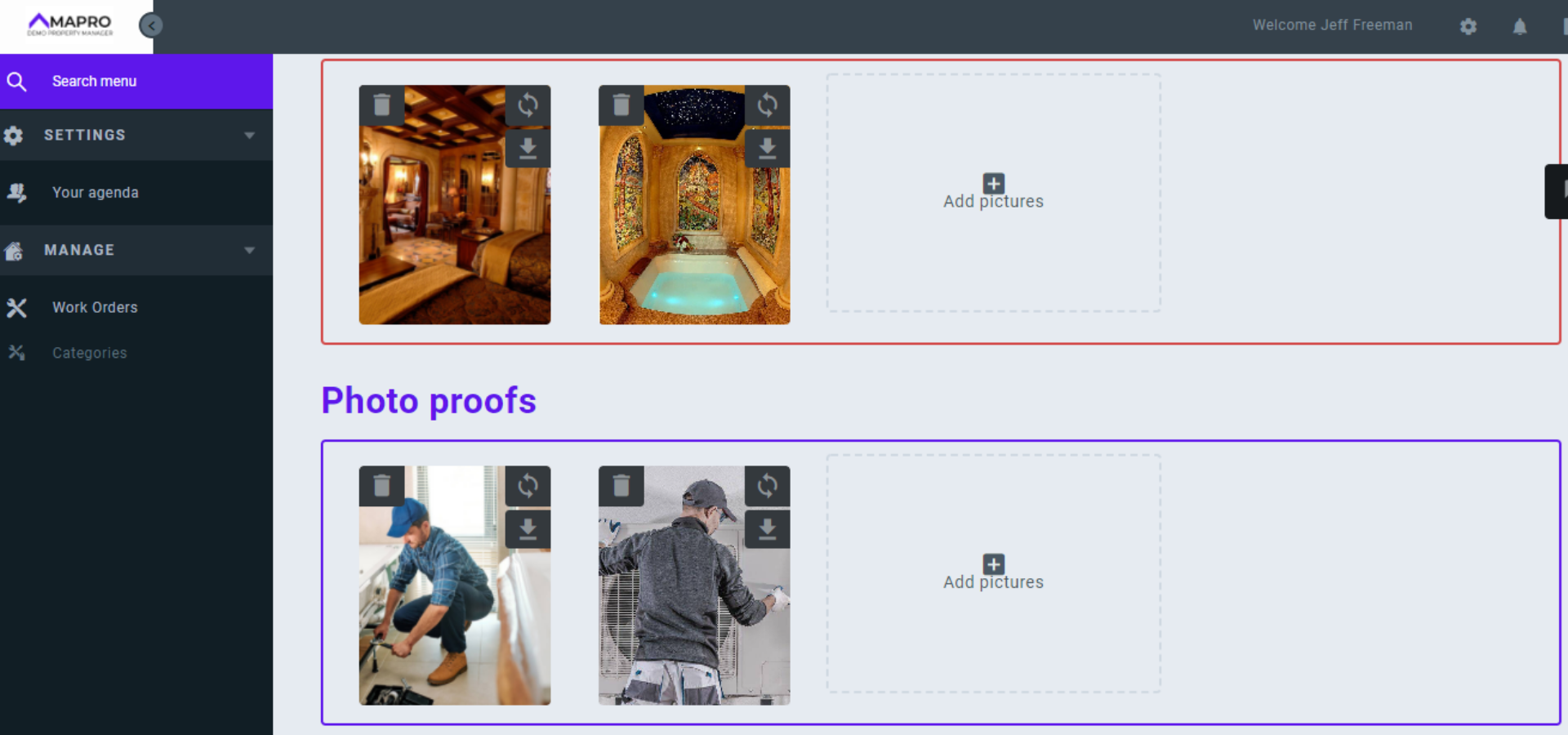
The user must open the request by clicking on the line of the work order and then follow the instructions below to fill it out:
Click on "Save executed order."
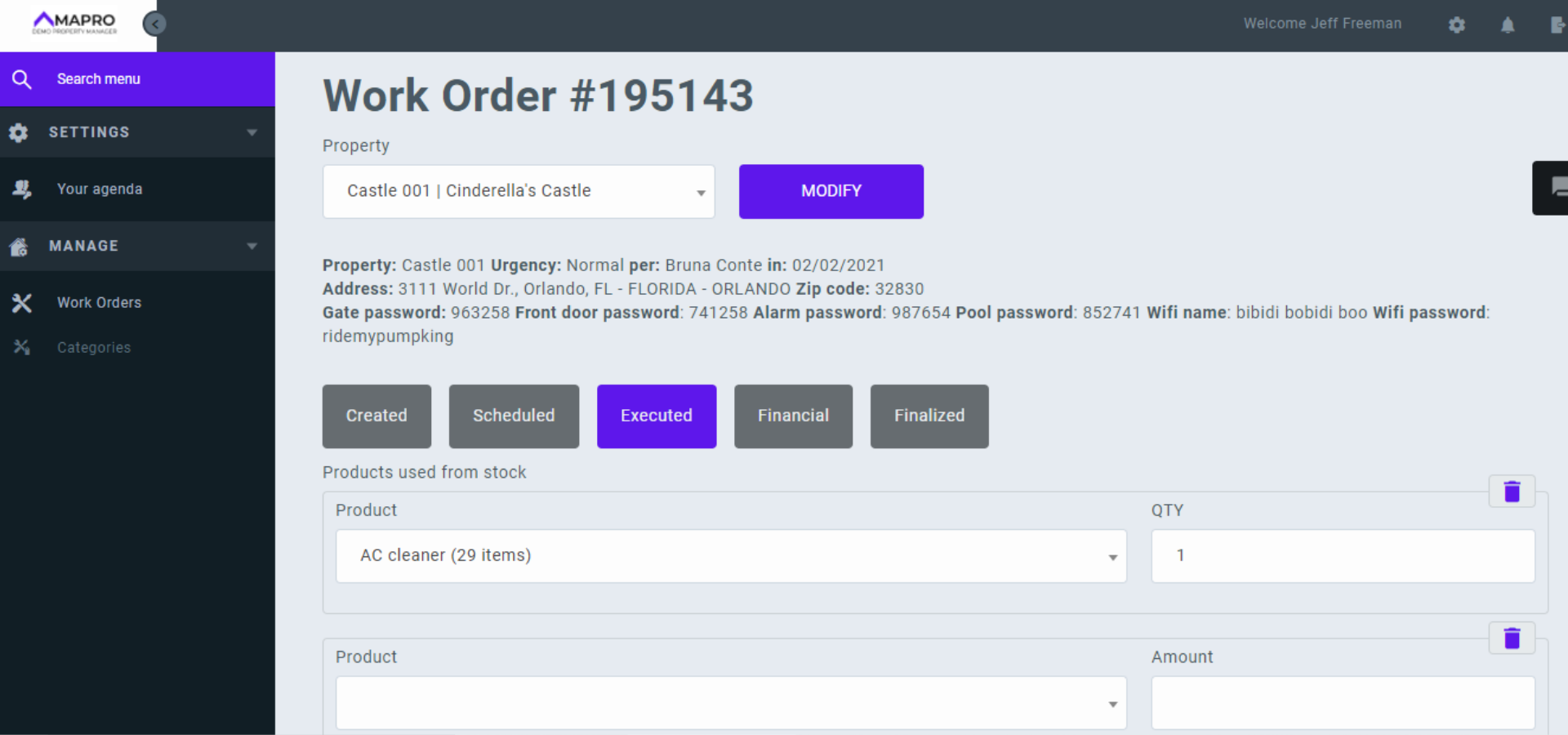
On MENU > MANAGE > WORK ORDERS, the status of the request will be changed from "Scheduled" to "Executed."
Important:



