loading.. Please Wait
Sales channels usually require listings showing photos with a minimum size of 1024x683 px.
Resizing smaller files to make them larger results in a quality loss, affecting your listings' performance.
The AI photo-resizing tool MAPRO offers helps you convert your images into files with the correct measures and 4K quality!
To use our AI photo-resizing tool the first thing you should do is enable the service:
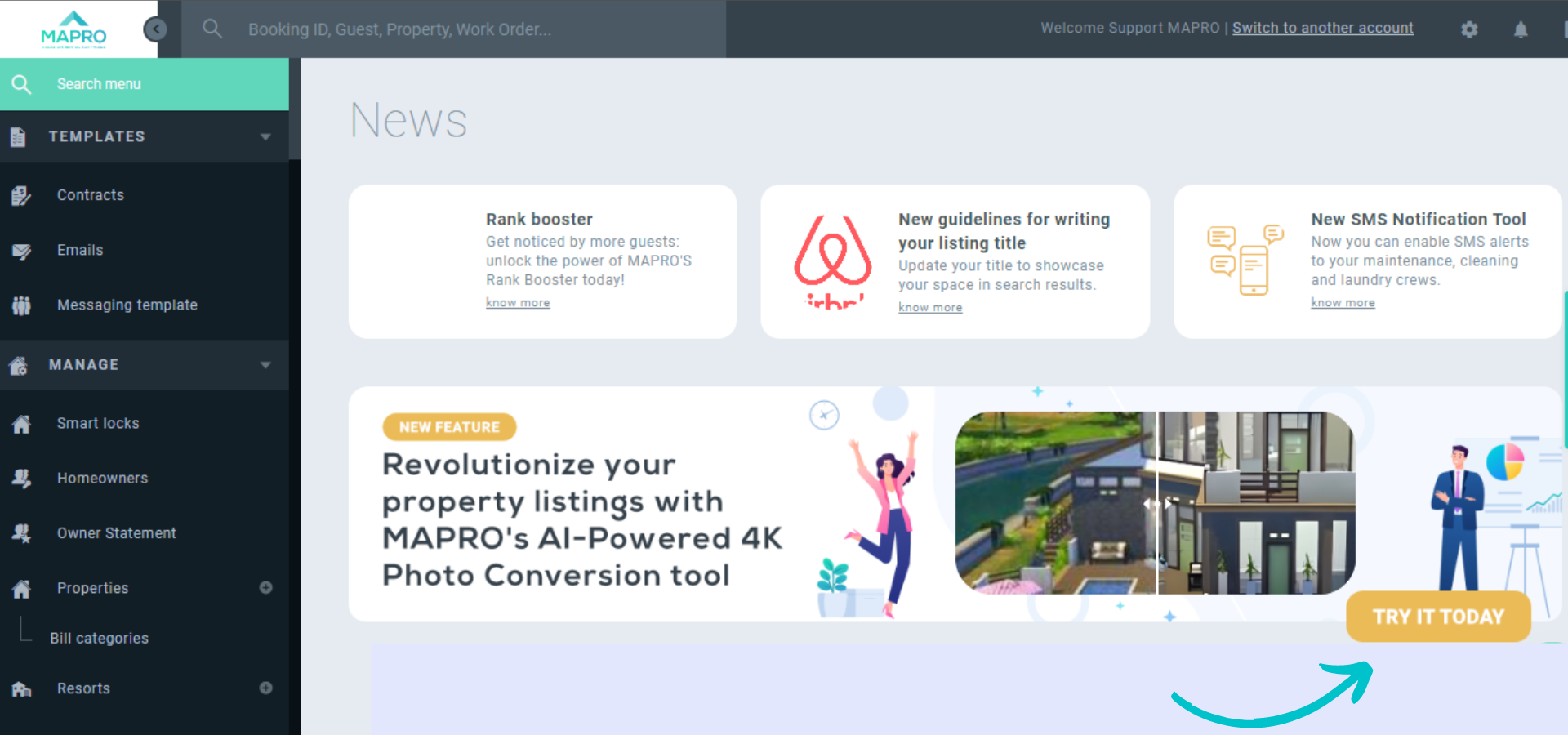
Option 1: on MAPRO’s homepage, click the banner about the AI photo-resizing tool, and then follow the instructions on the “Additional services” page;
Option 2: click the engine icon on the upper toolbar, then “Additional Services.” After that, follow the instructions on the “Additional services” page.
After you enable the tool, access MENU > MANAGE > PROPERTIES, click the property you want to edit, and then click the tab “photos.” You’ll see the button “Resize photos to 4K resolution” on the left, right above the images.
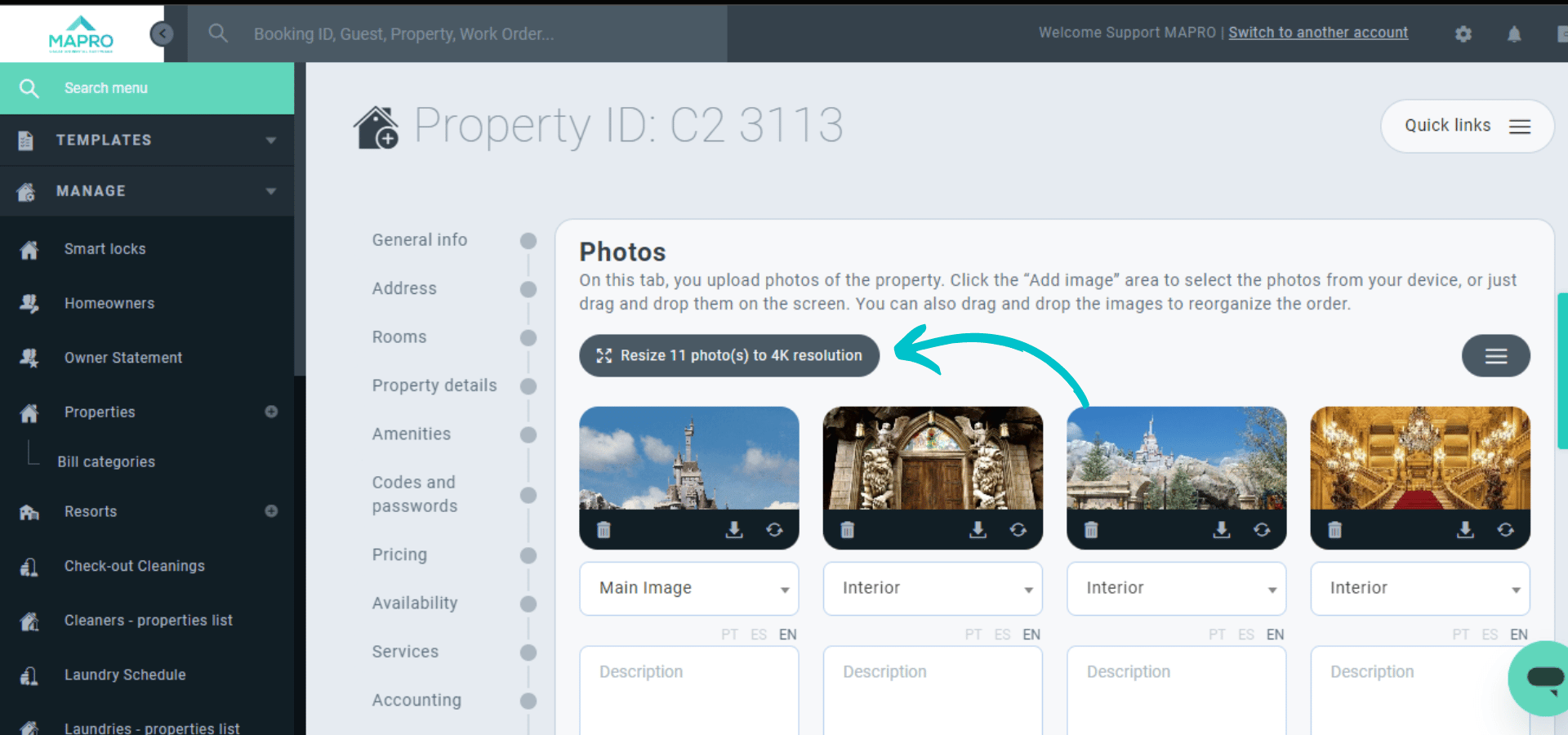
When you click to resize, MAPRO will show a message informing it has started converting all images. The process might take a few minutes, and when it’s complete, MAPRO will send you an email notification. The images will also be automatically sent to all sales channels.
Important:
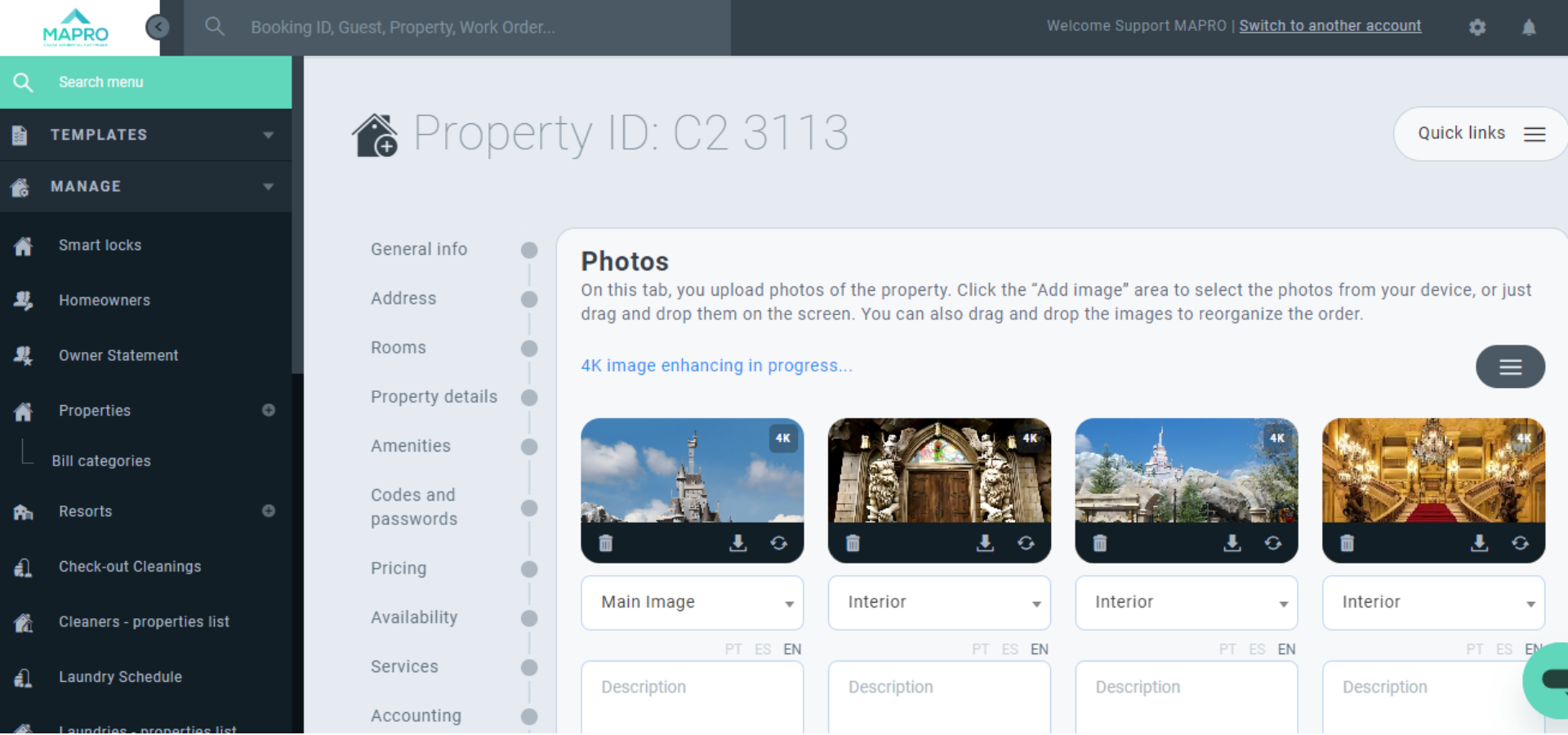
- ALL PHOTOS that are not 4K will be resized;
- MAPRO will show a “4K” sign on the corner of each resized image, and once the process is complete, there will be a notification on the top of the page saying “all images enhanced to 4K.”