loading.. Please Wait
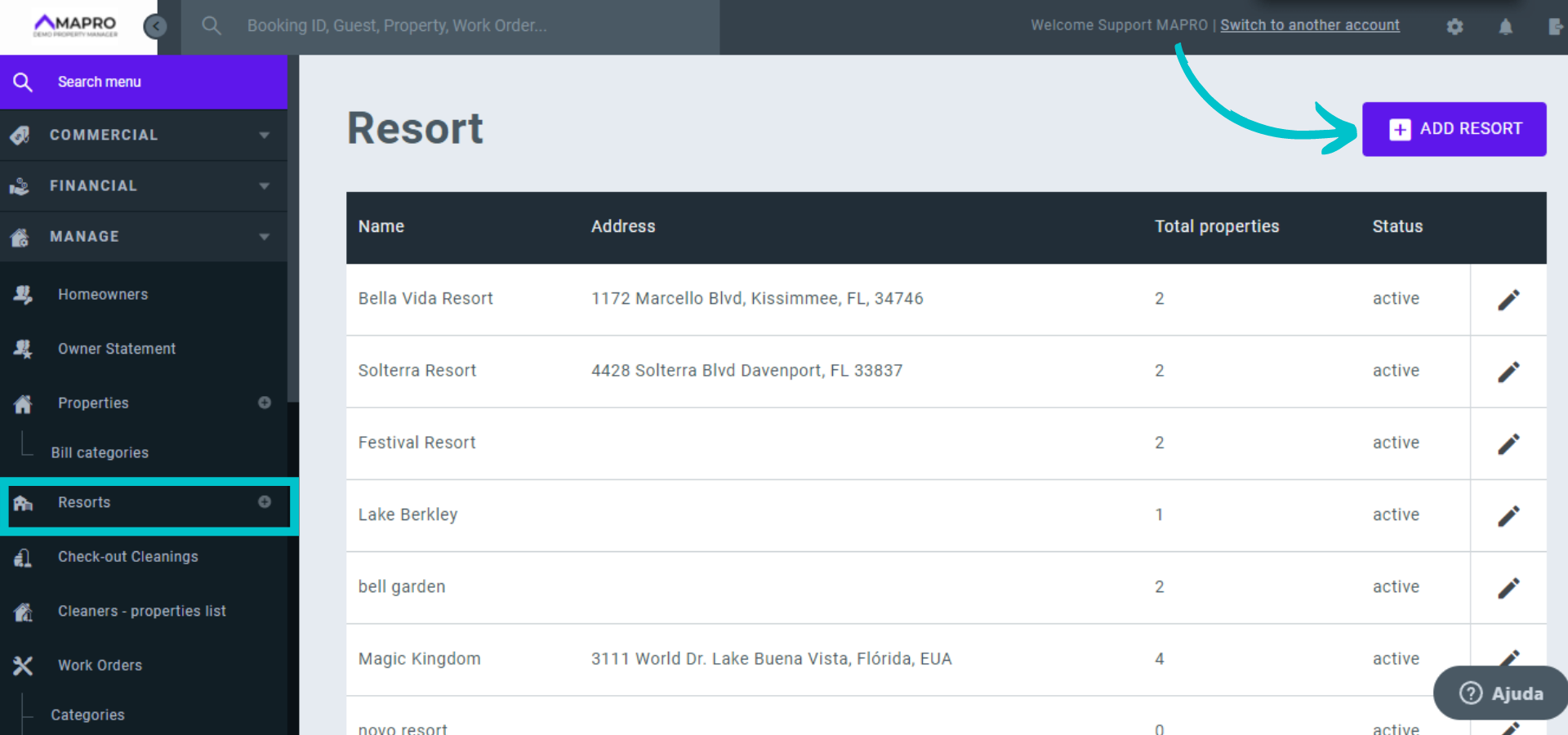
To register a new resort, go to MENU > MANAGE > RESORTS and click “Add Resort”.
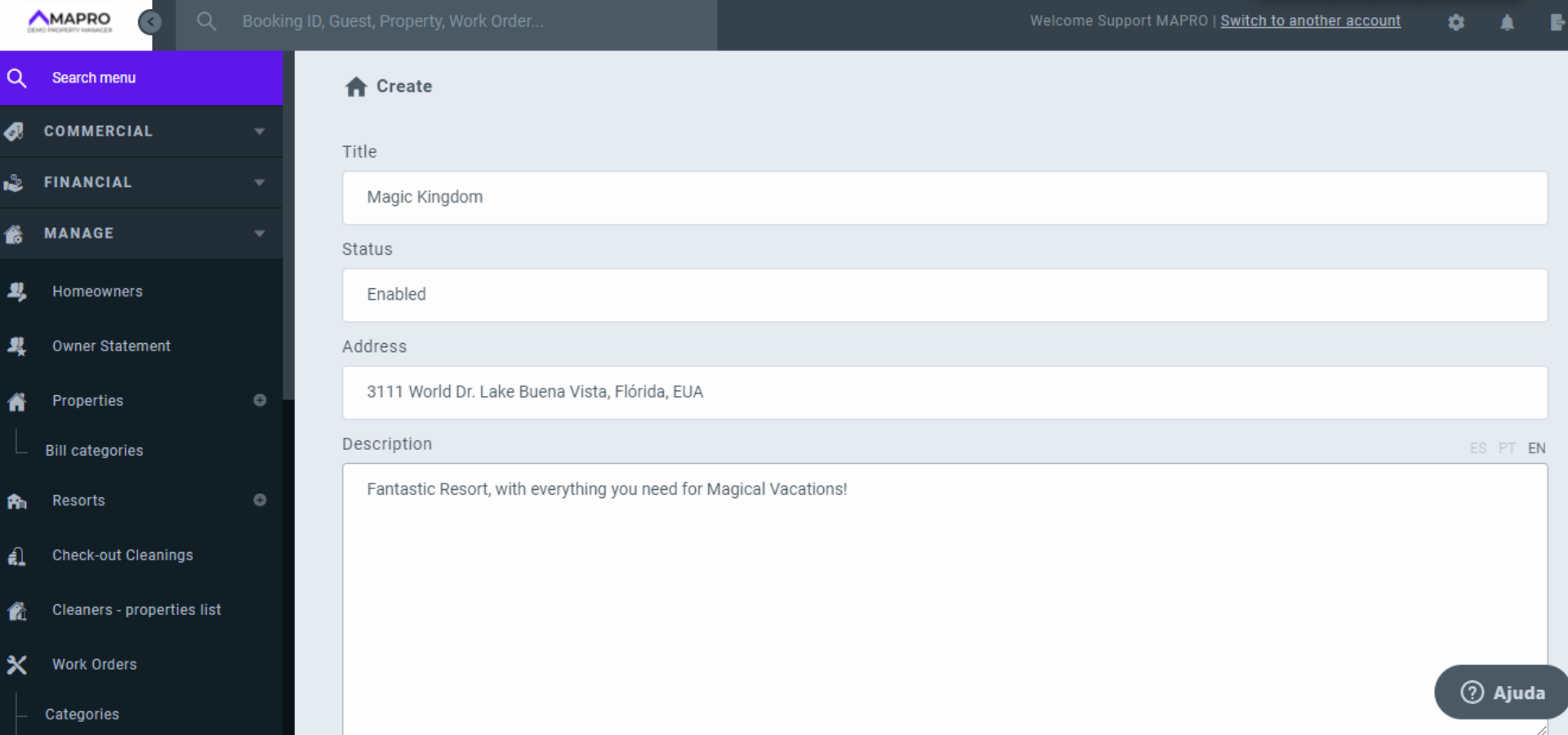
Complete the fields with information from the resort and add a description of it.
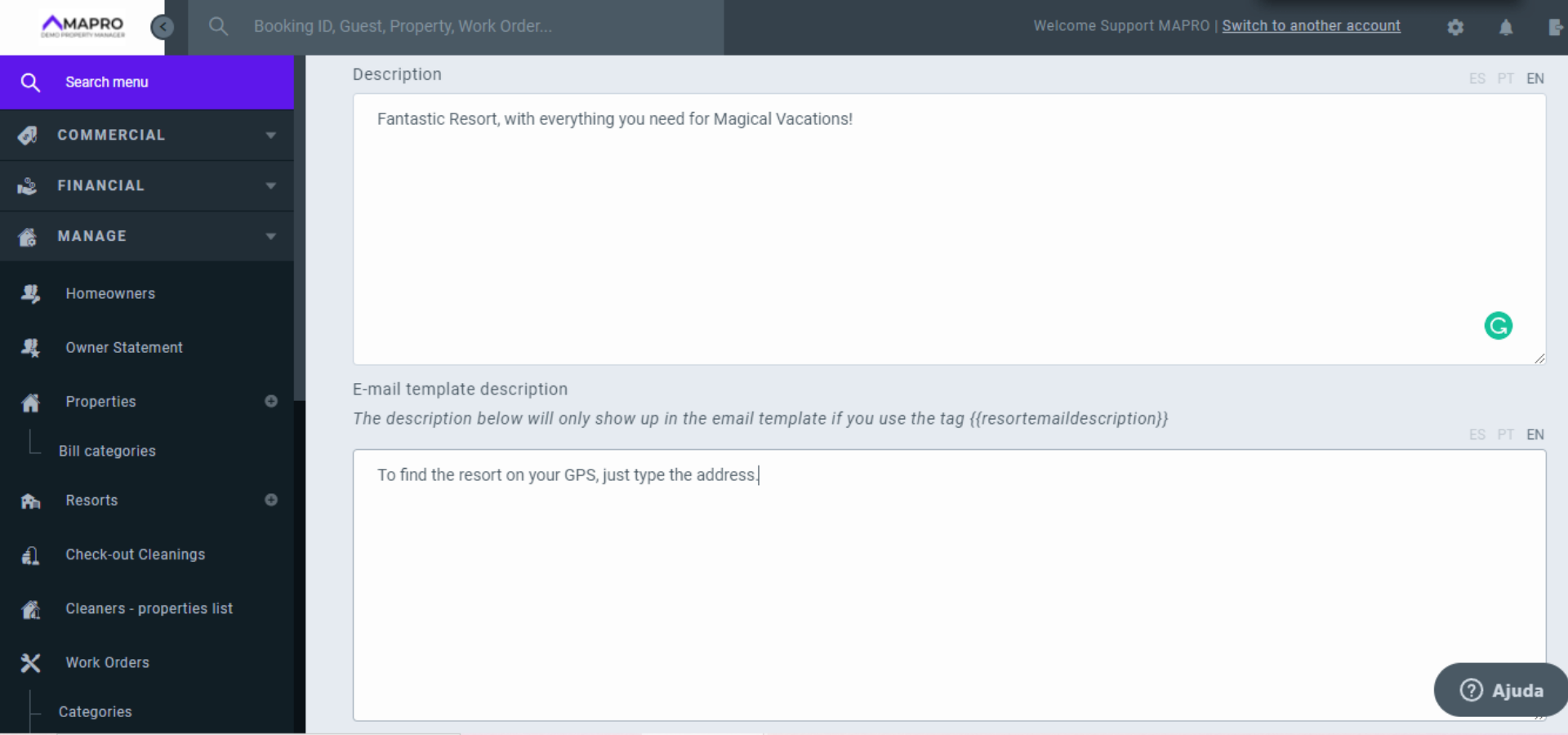
In the second description field you can add a description to be included in the email template sent to the guest.
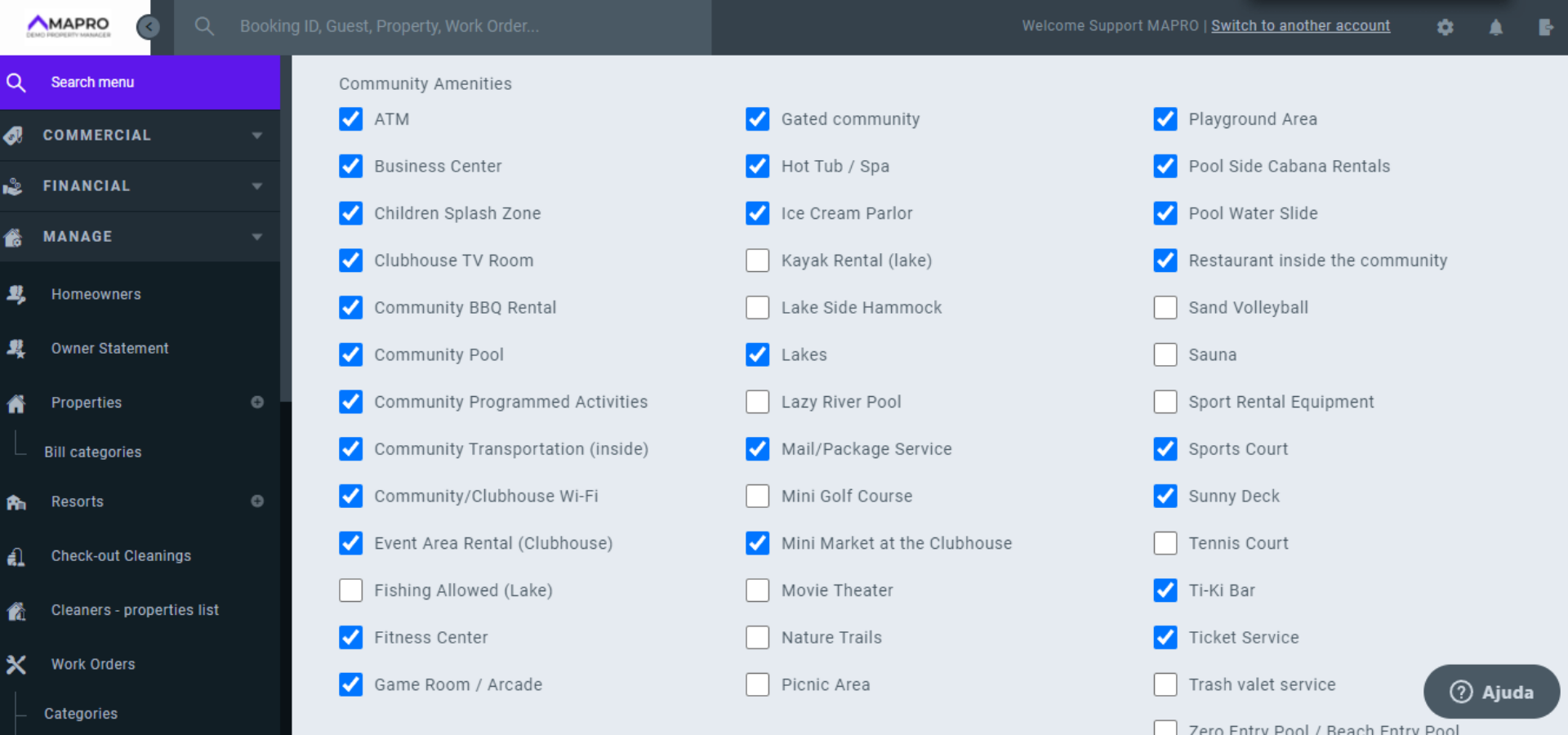
Scroll down the page to check the amenities the resort offers. Insert a picture of the resort and, if you wish, you can also enter the URL of a video showing the resort.
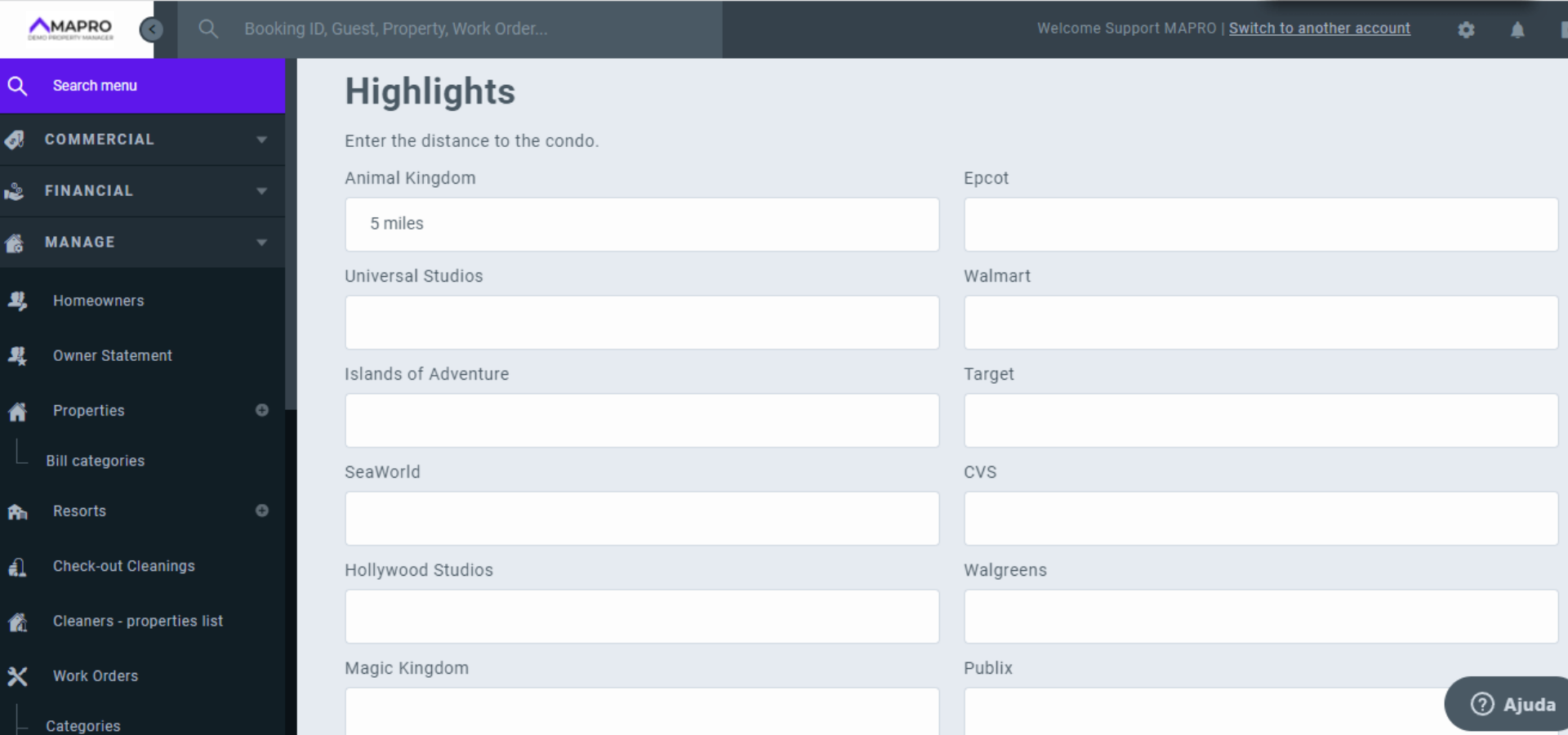
In the last item, you can enter the distances from the theme parks. After completing all the information, click save.