loading.. Please Wait
To cancel blocks, you need to find them in the system and open the record to edit them.
If you have the Reservation ID, type the number in the “Booking ID” field on the upper toolbar and press “Enter."
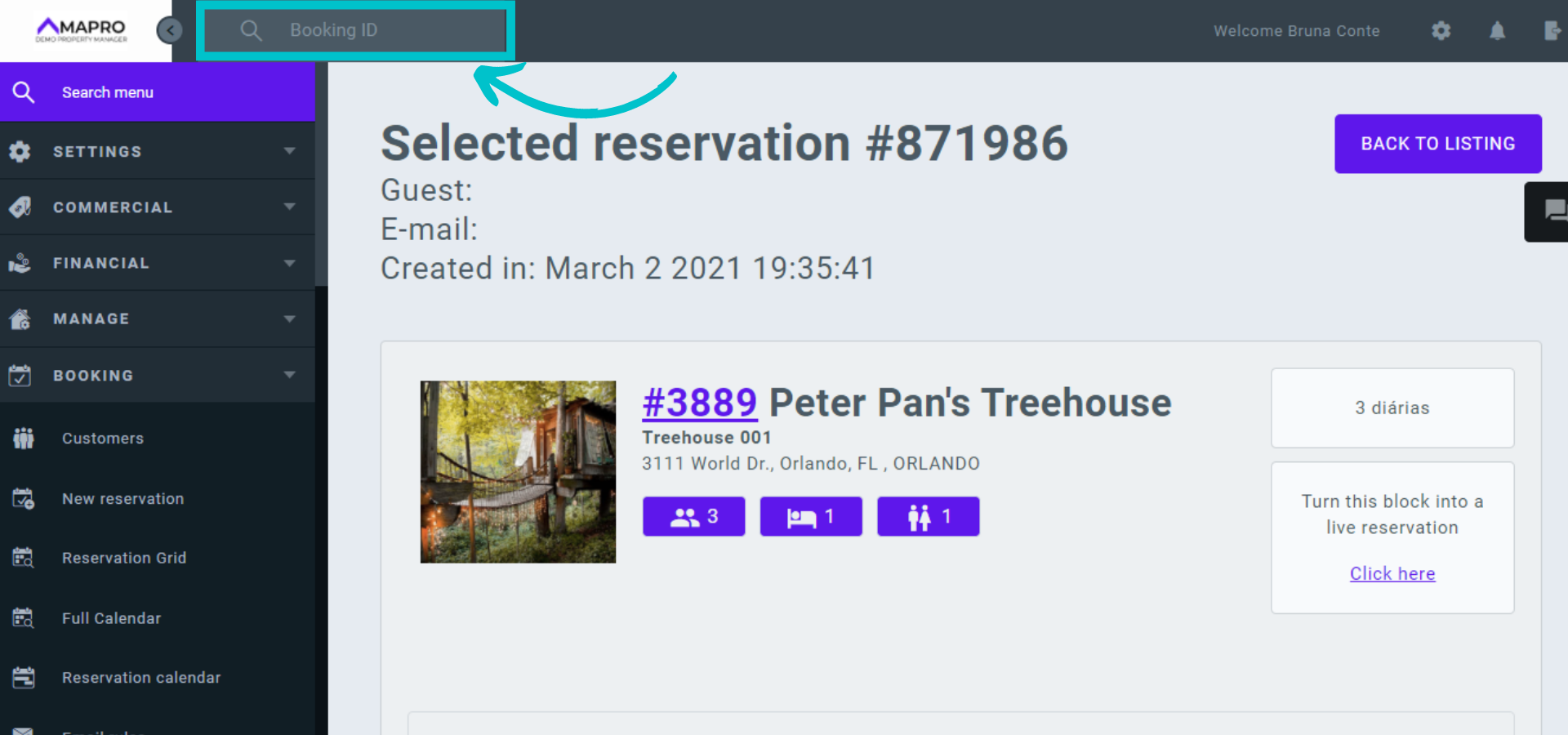
If you do NOT have the Booking ID, find the block from the Reservation Grid, Property Calendar, or Reservation Calendar.
1- Reservation grid: go to MENU > BOOKING> RESERVATION GRID to view reservations and blocks and click on the block line to open and edit it.
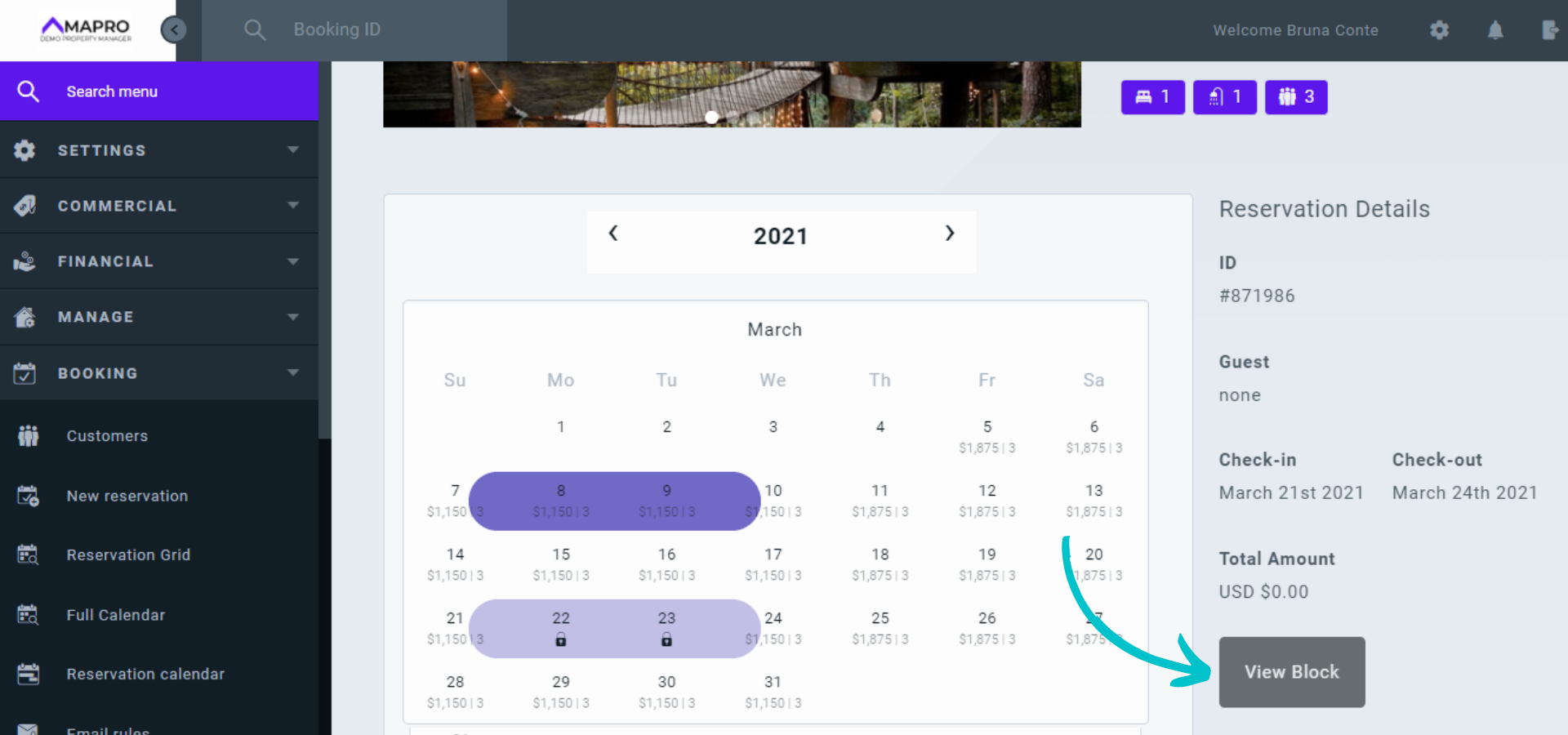
2- Property calendar: go to MENU > BOOKING > FULL CALENDAR and select the property on the right. On the calendar, reservations are marked with the color of the integrator that created the reservation, and dates marked in gray are blocked. Click on the block to see the details on the right, and click "View block" to open and edit it.
3- Reservations calendar: go to MENU > BOOKING > RESERVATIONS CALENDAR to open a screen with all bookings, by property, for the next three months. Reservations and blocks appear in the table with the color of the integrator that created them. Click the block to open and edit it.
When you open the block, you can edit the reason why you are blocking the property, change the dates, cancel it, or turn it into an active reservation.
To cancel a block, click the trash can icon at the bottom of the page and then “cancel.”
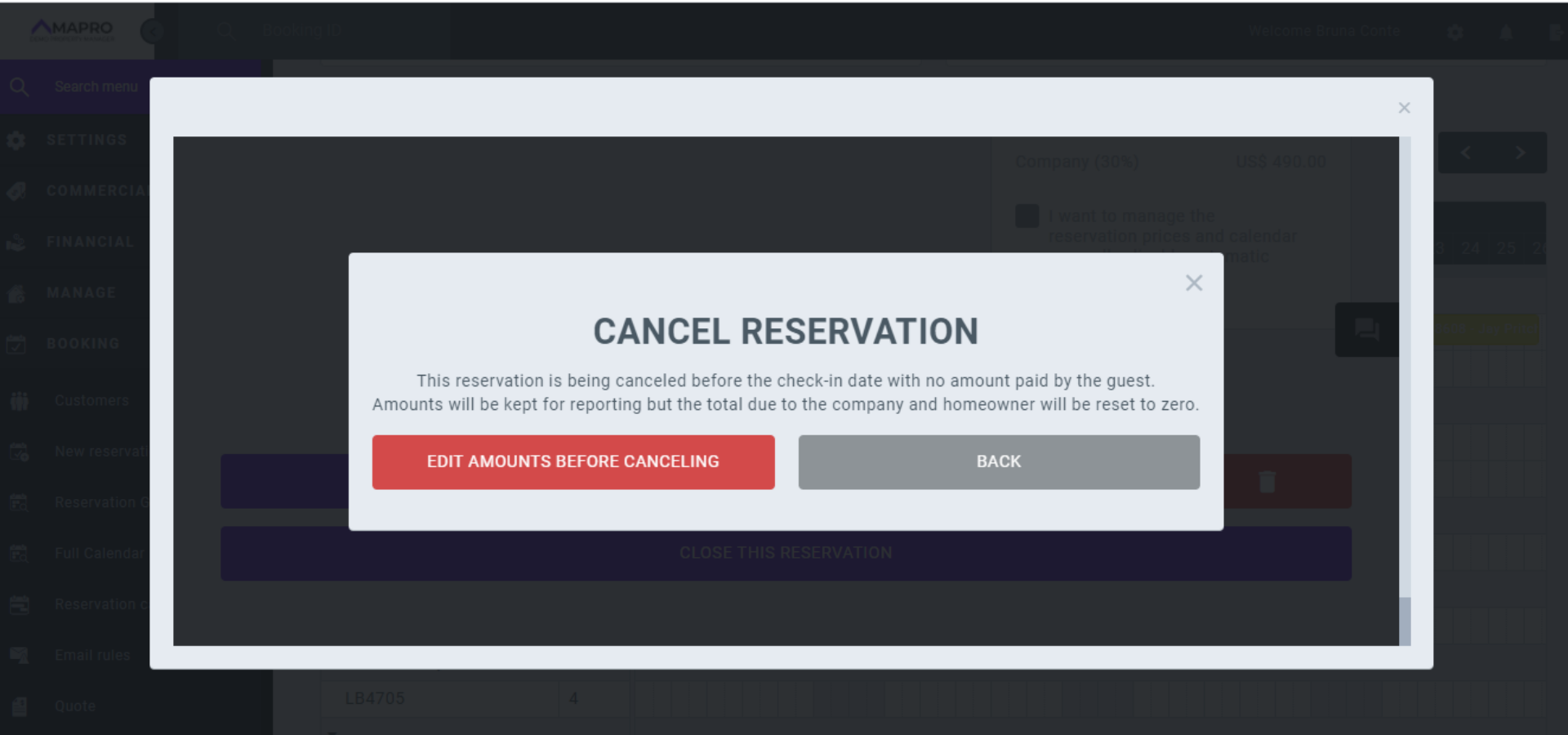
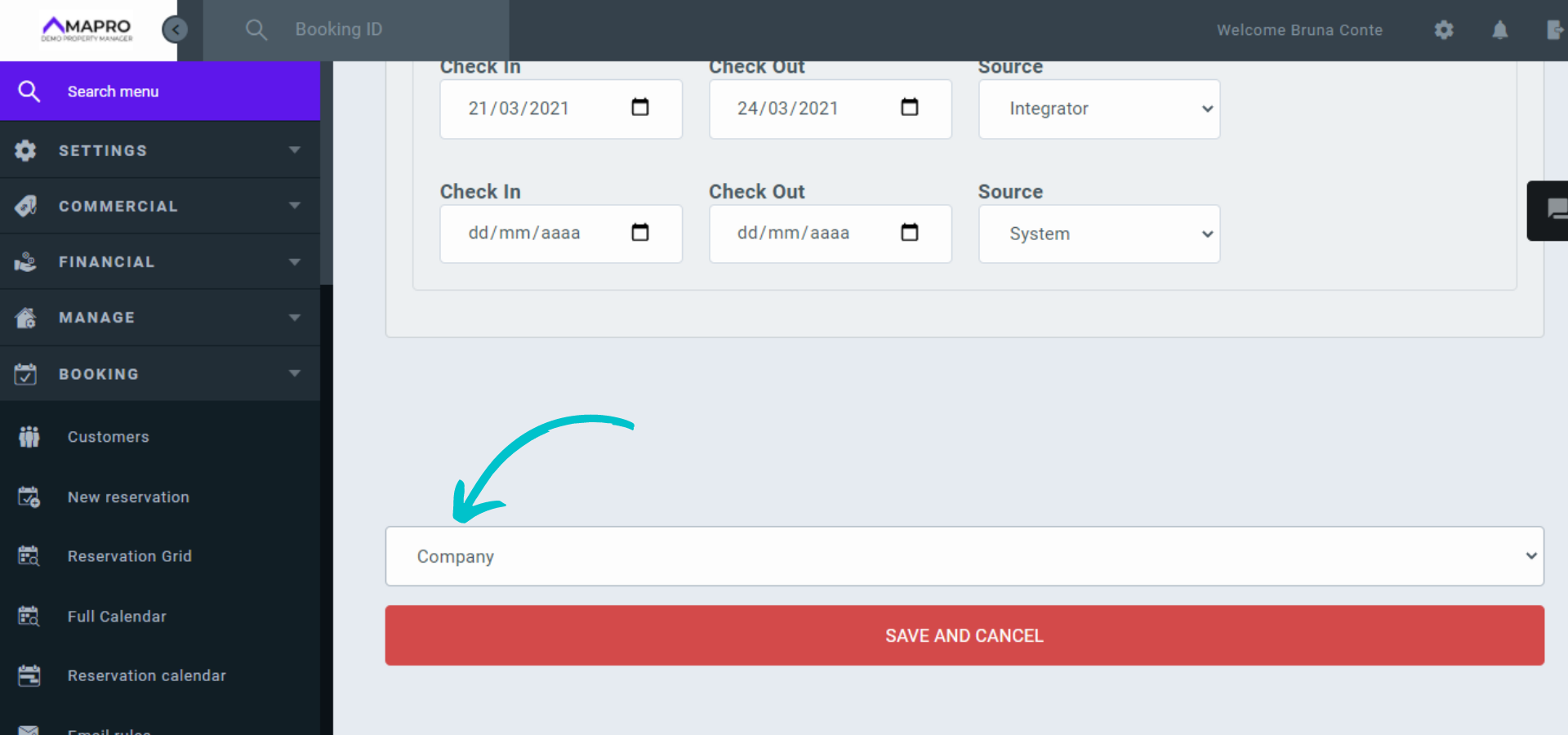
Select the type of cancellation ("Guest" or "Company“), and then click "Save and cancel.”