loading.. Please Wait
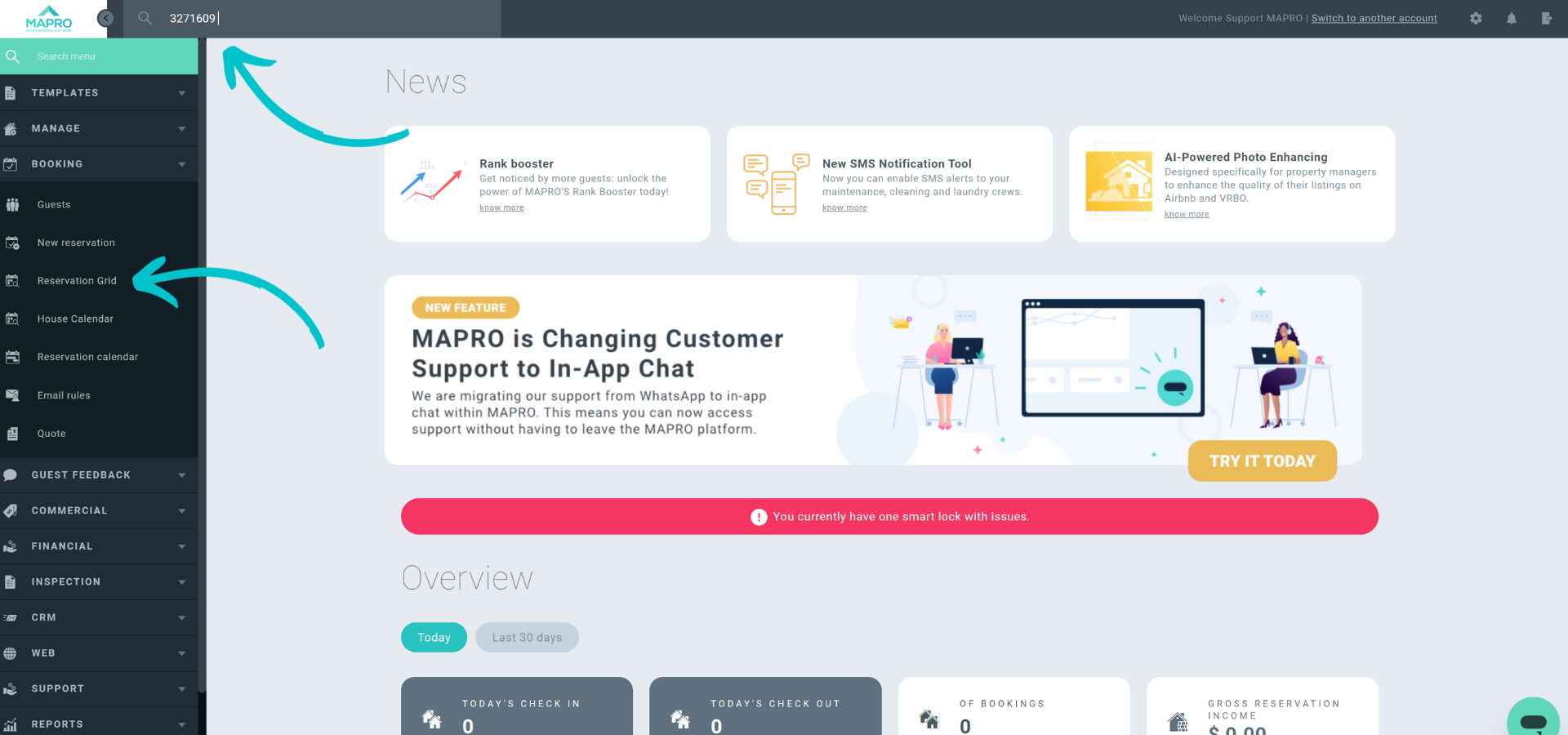
To turn a block into a reservation, open the block by typing its number in the search field on the toolbar, or by finding it in the calendar or the reservation’s grid.
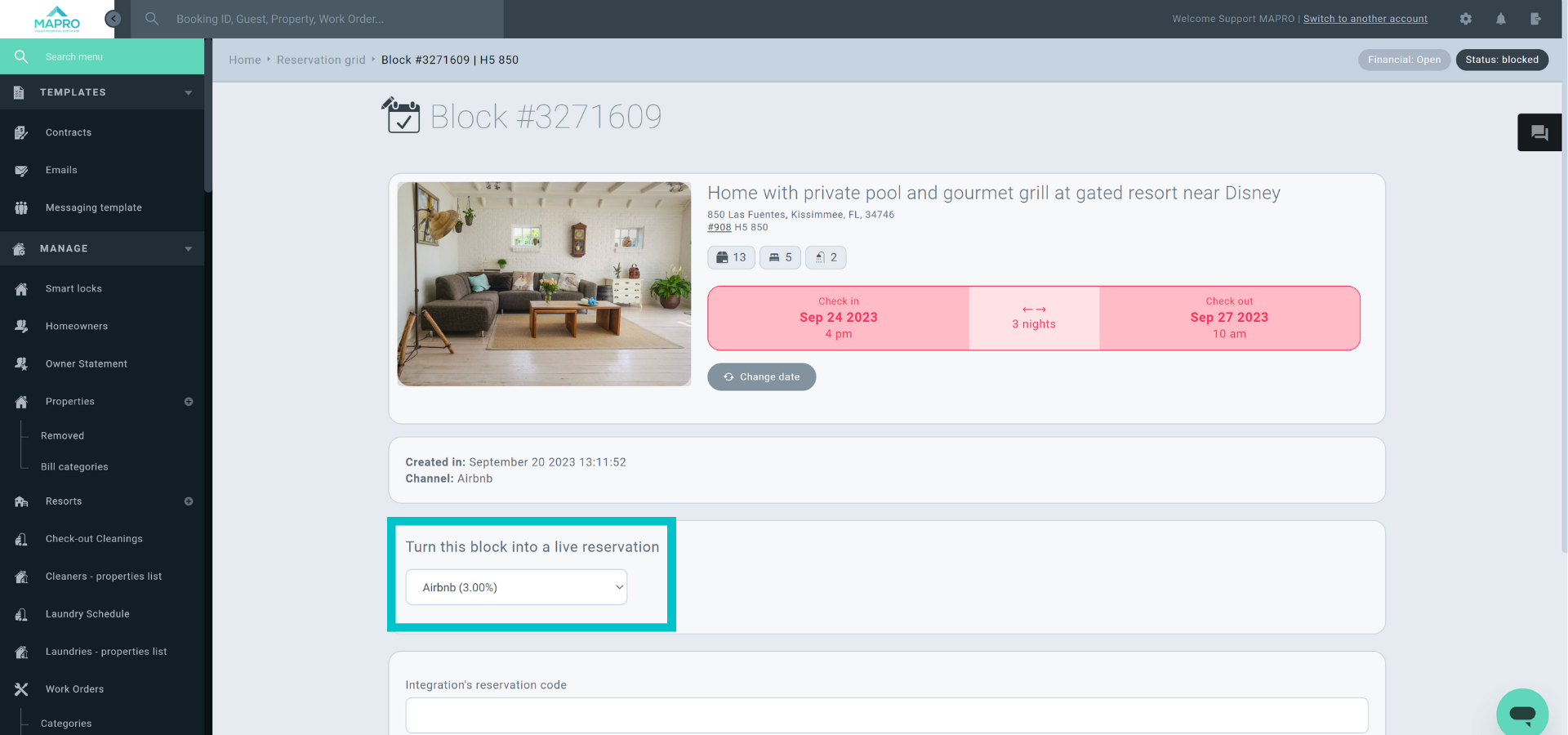
Once the block is open, find the “Turn this block into a reservation” field, and choose the correct integrator (for example: if it's a direct booking, you can choose “system”, if it’s a block created by an Airbnb iCal, you can select the integrator “Airbnb”).
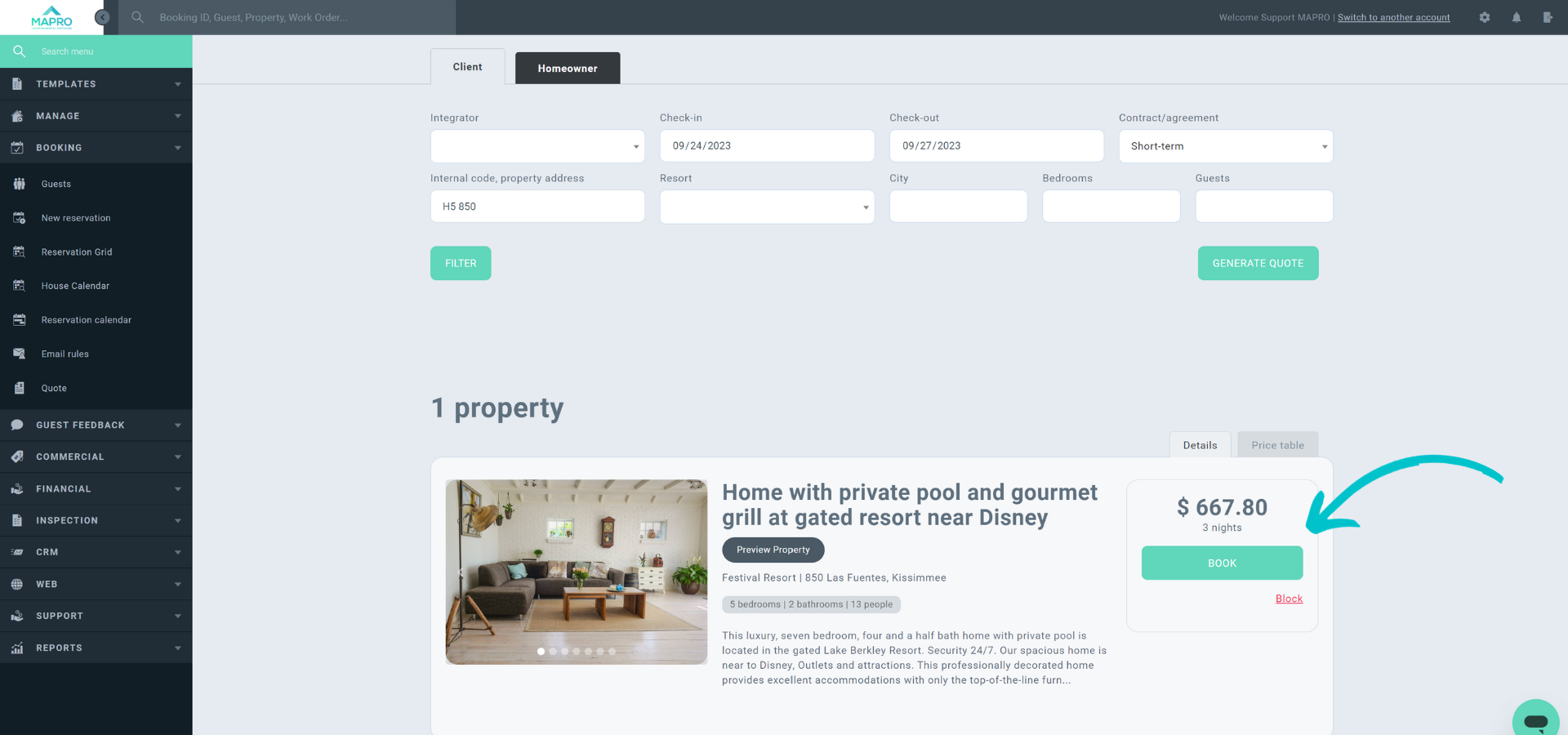
MAPRO will then show you the “Quote/New Reservation” screen, but unless there’s a warning saying those dates are NOT available, jump to the “Book” button.
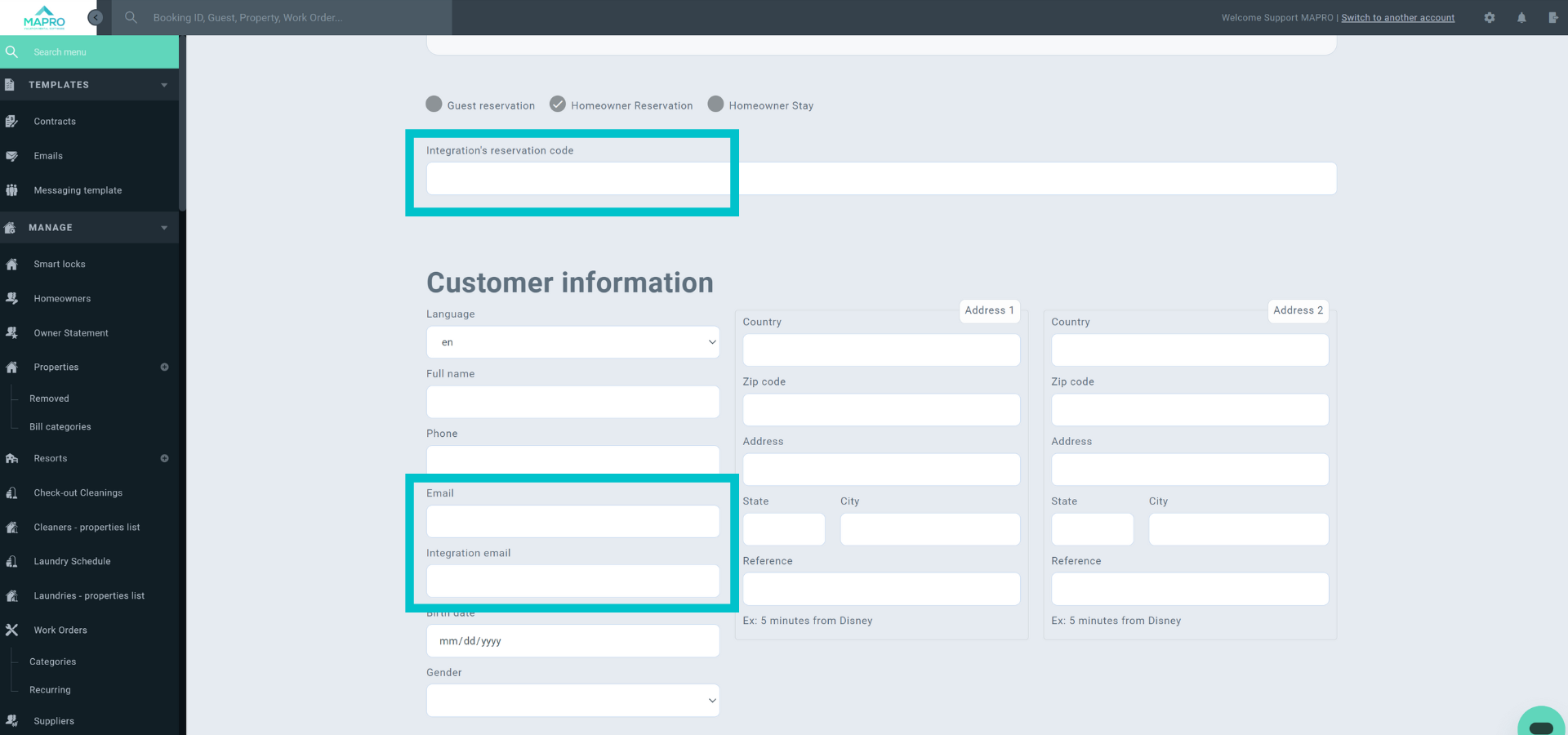
On the following screen, enter the booking data: guest name, email, etc.
If the booking is from a sales channel, pay attention to the following:
Check the tutorial about "How to create a reservation” for more information about other fields.
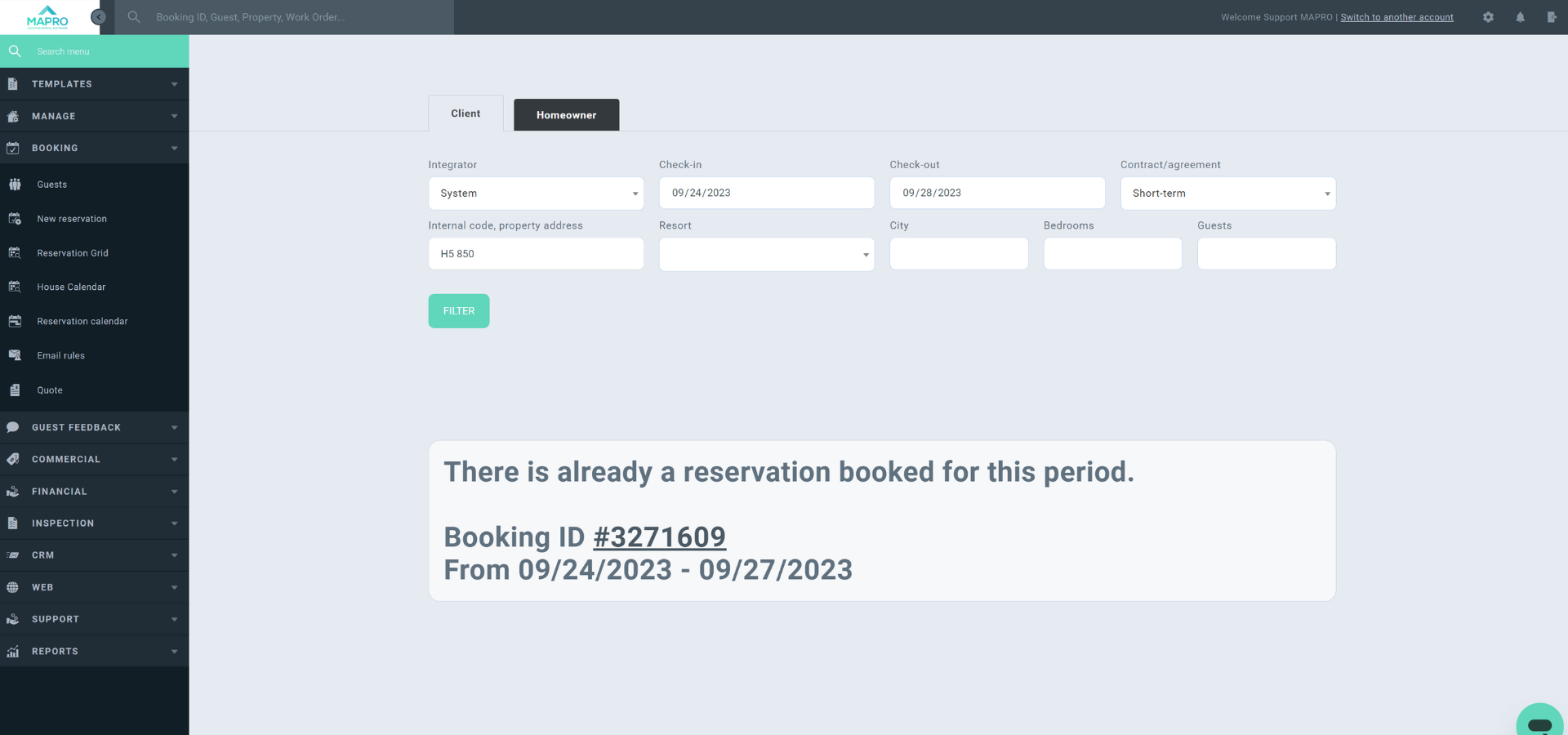
Important: If there is a warning about availability when you reach the “Quote/New Reservation” screen, MAPRO will show the ID of the blocks or bookings that are causing date conflicts, so you can cancel or rearrange those.