
loading.. Please Wait
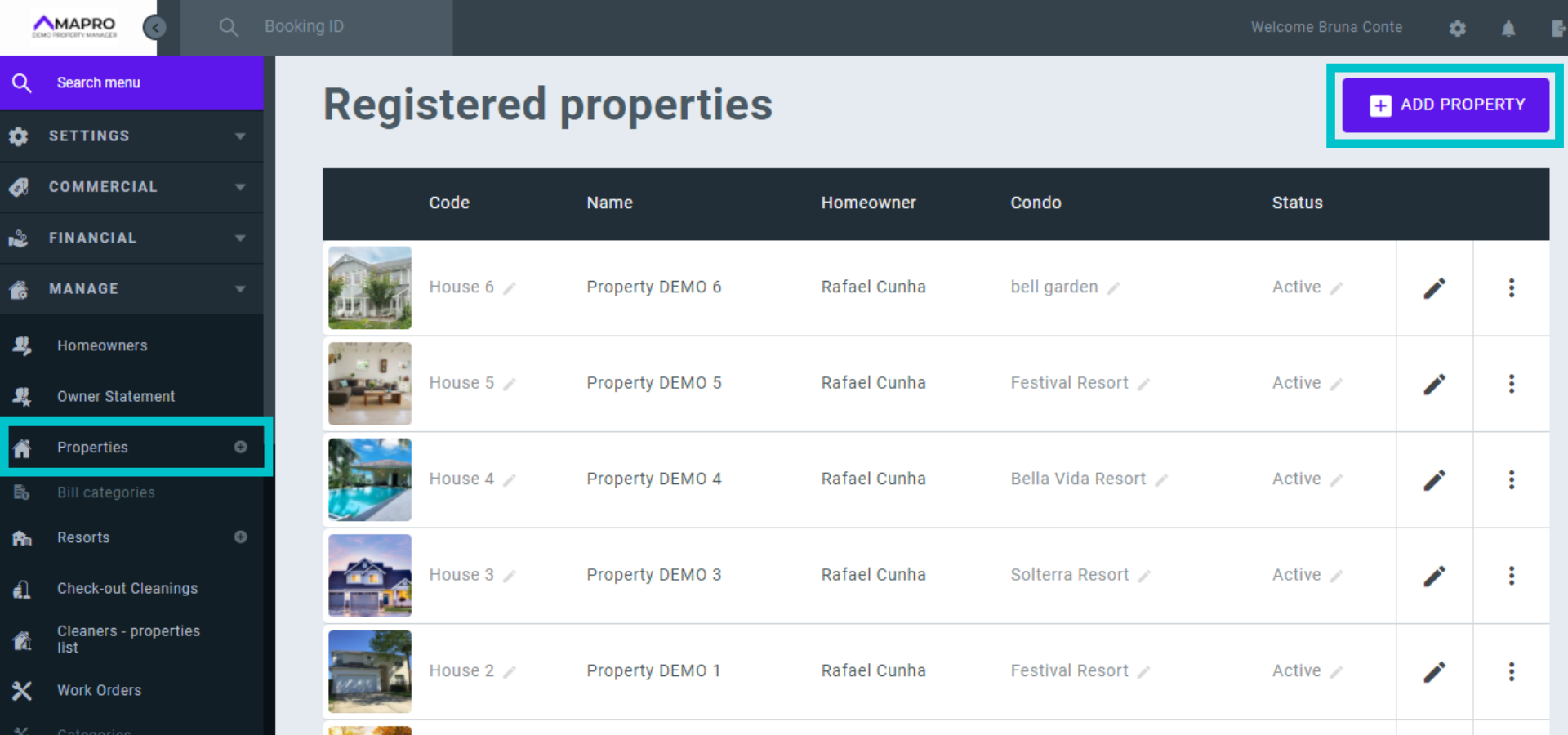
To register a property, go to MENU > MANAGE > PROPERTIES and click on “Add Property."
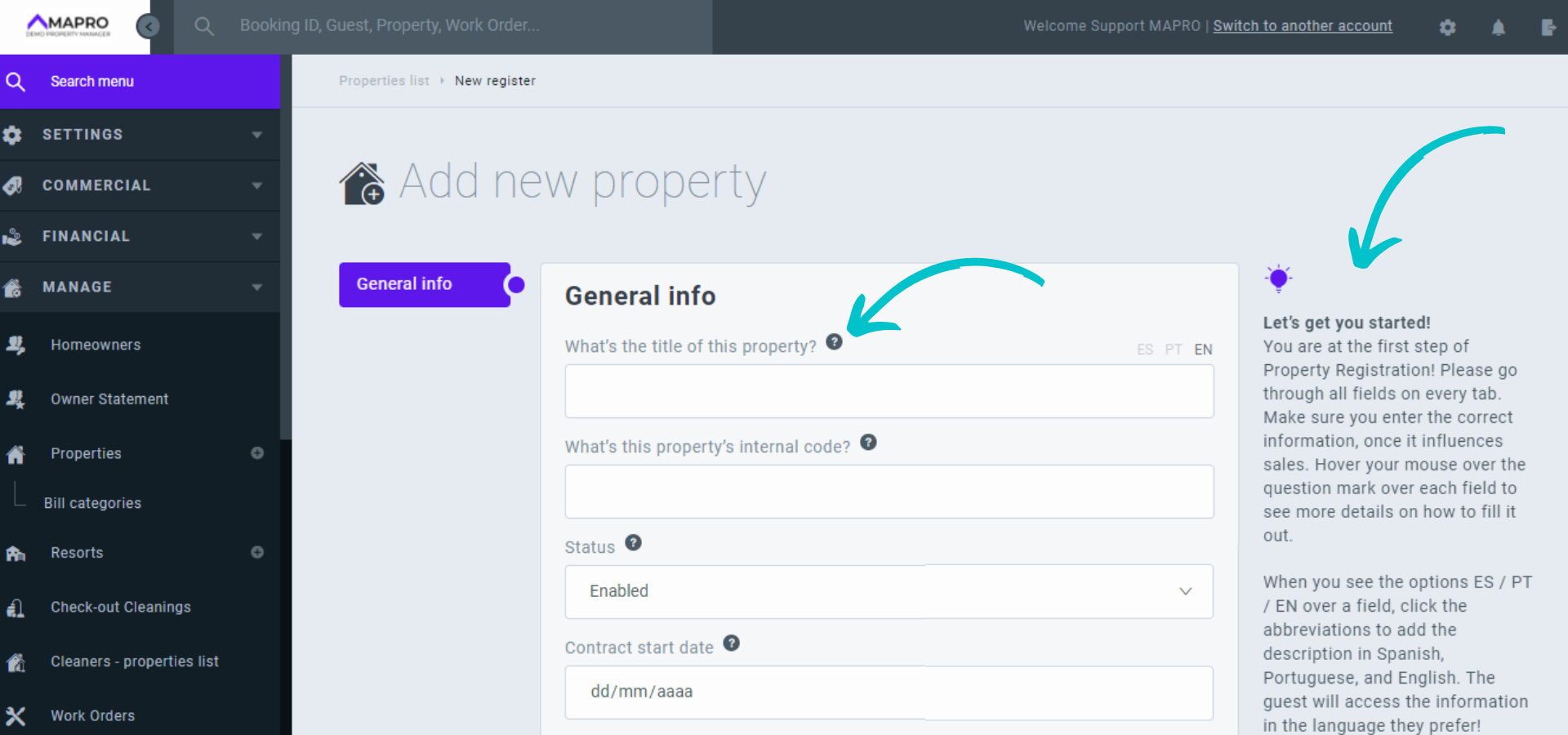
Go through the fields to add all the information about the property, hovering your mouse over the question mark icon to see tips on how to fill out all fields. You can find more clarifications on the right of the screen.
Once you're done completing the general info and click "Save," other tabs will appear.
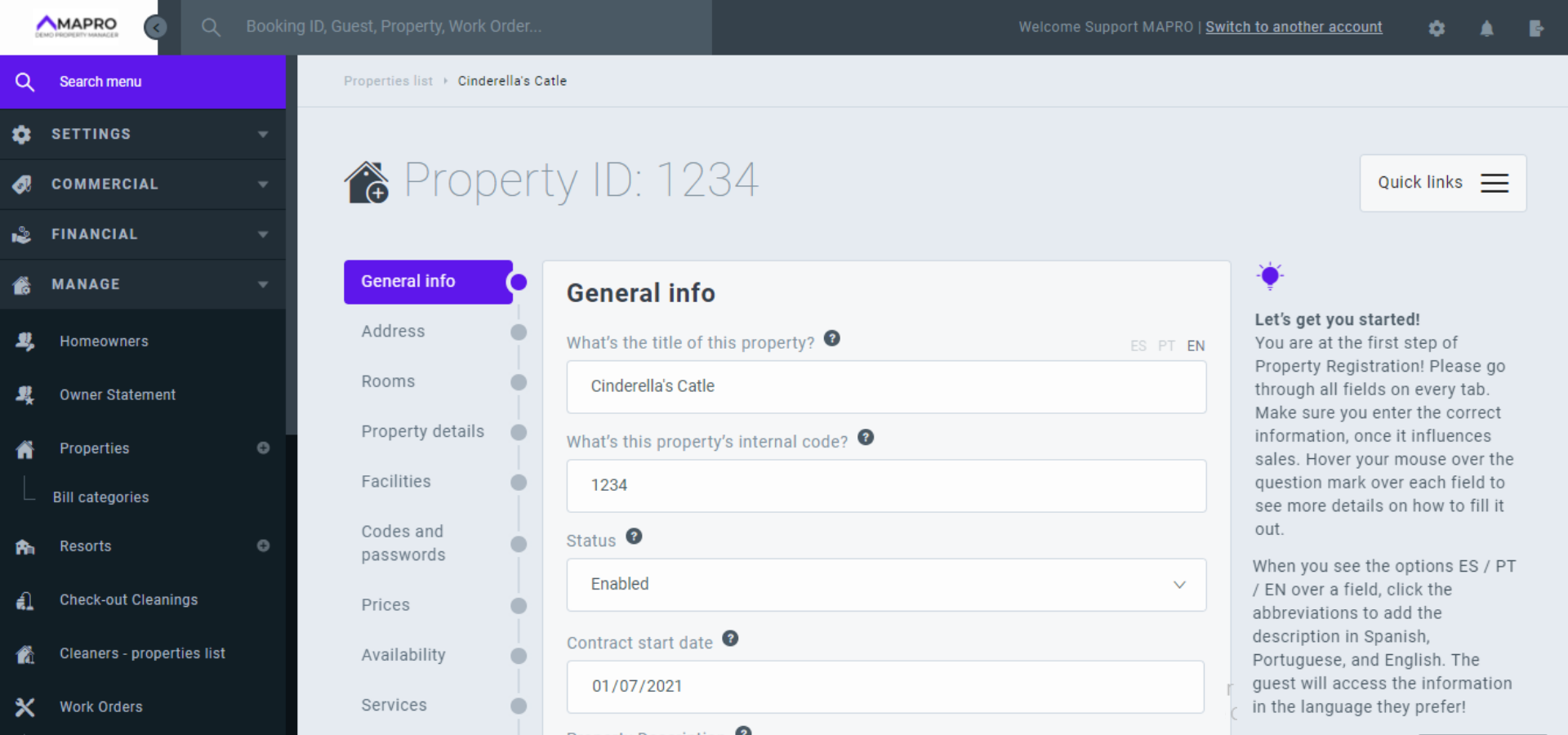



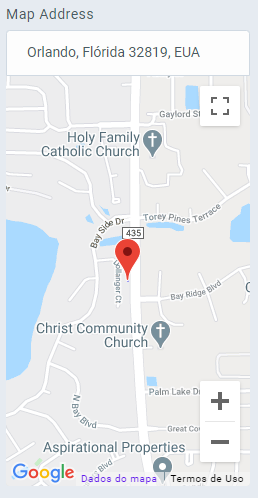
On the Facilities tab, you check everything the house offers.
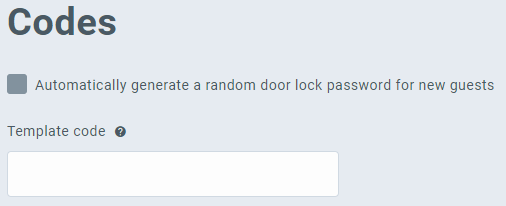
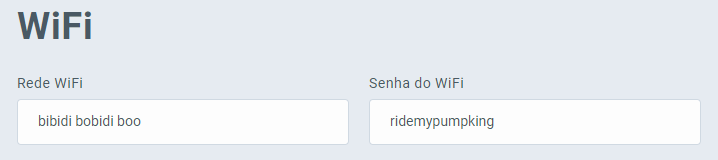
Register on this tab:
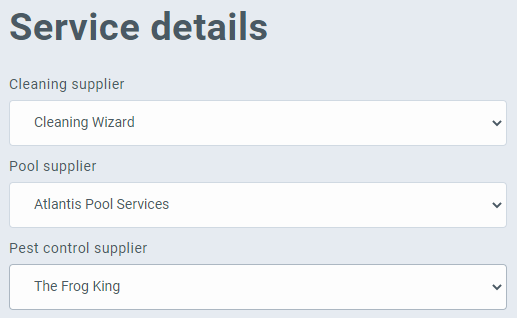
Register on this tab services details, such as cleaning, insurance, etc.
Complete on this tab the accounting information relevant to this sector of the company, such as the value of the property, the minimum account balance, information regarding sales and tourist taxes, licenses, and insurance.
There are two kinds of charges in MAPRO: the recurring charges, which are automatically processed by MAPRO on the date and month previously set, and the non-recurring charges, which need to be registered and then processed manually because they have variable due dates and amounts.
Single charges are also non-recurring, but they are immediately processed at the moment they are registered.
On the tab "Bills," register the non-recurring charges.
MAPRO does NOT pay bills - they are registered and processed by the system for the property manager's financial organization and accountability. All information about paid bills goes to the owner's statement.
When registering the bills, please make sure to choose between "MAPRO Paid" and "Autopay": select "MAPRO paid" if the property manager pays the bill. Select "auto pay" if the bill is paid any other way that does not require the property manager's action.
Learn more about registering bills
Learn more about processing non-recurring charges
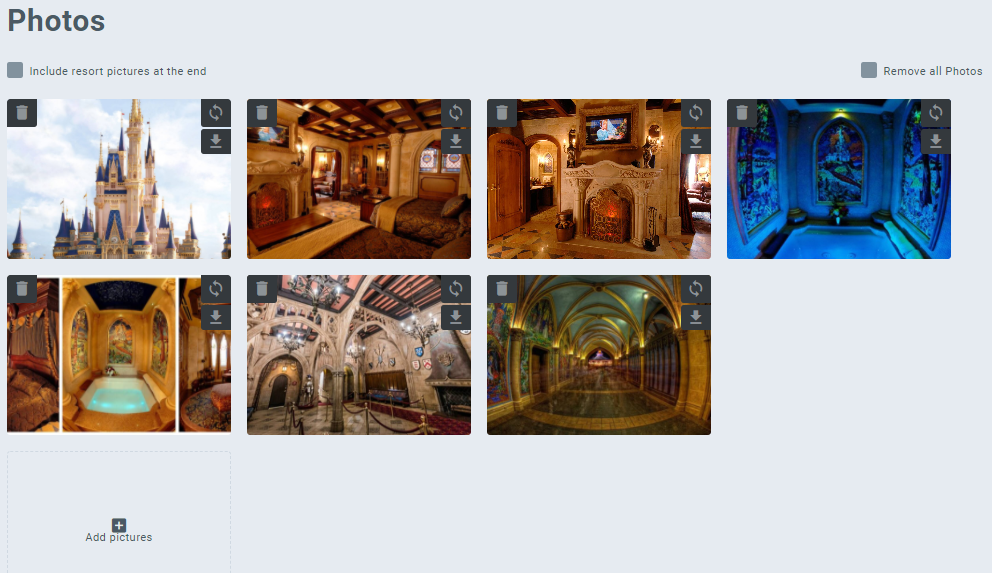
Add photos of the property by clicking on "Add photos" and upload images from your device, or drag the images to the system screen. You can also drag to organize their order.
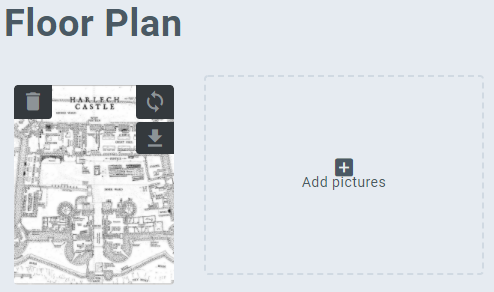
Add the property's floor plan by clicking on "Add photos" and upload images from your device, or drag the images to the system screen. You can also drag to organize their order.
Add notes about the property - they are seen only by the manager.
If you wish, you can complete on this tab information about the realtor who indicated the house.
You can also edit the URL of your website.
Finally, you can register on this tab the necessary items for the maintenance of the house.
This tab shows a summary for you to visualize what you have completed in the house registration. Note that not all fields are mandatory. You complete the information according to your necessity.



