loading.. Please Wait
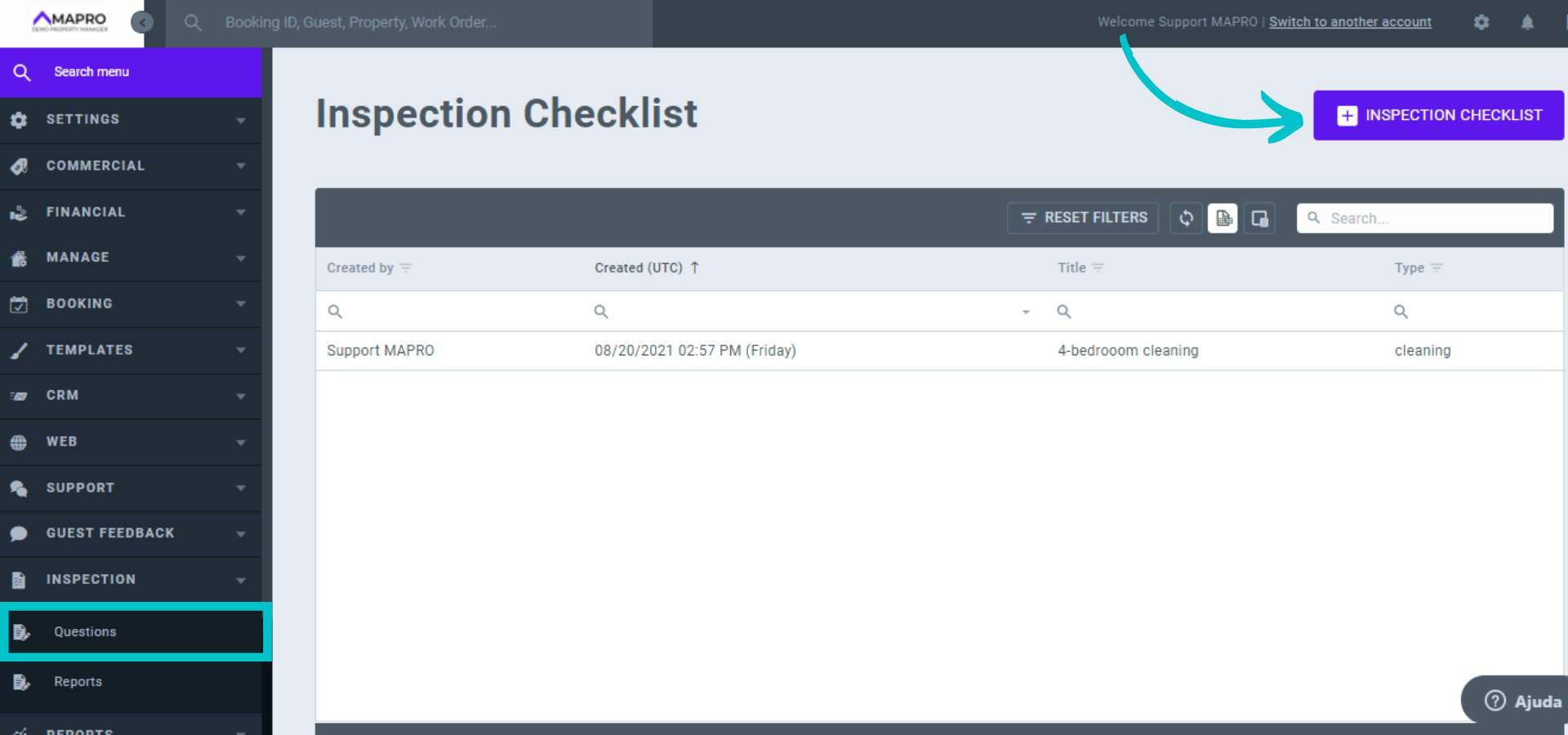
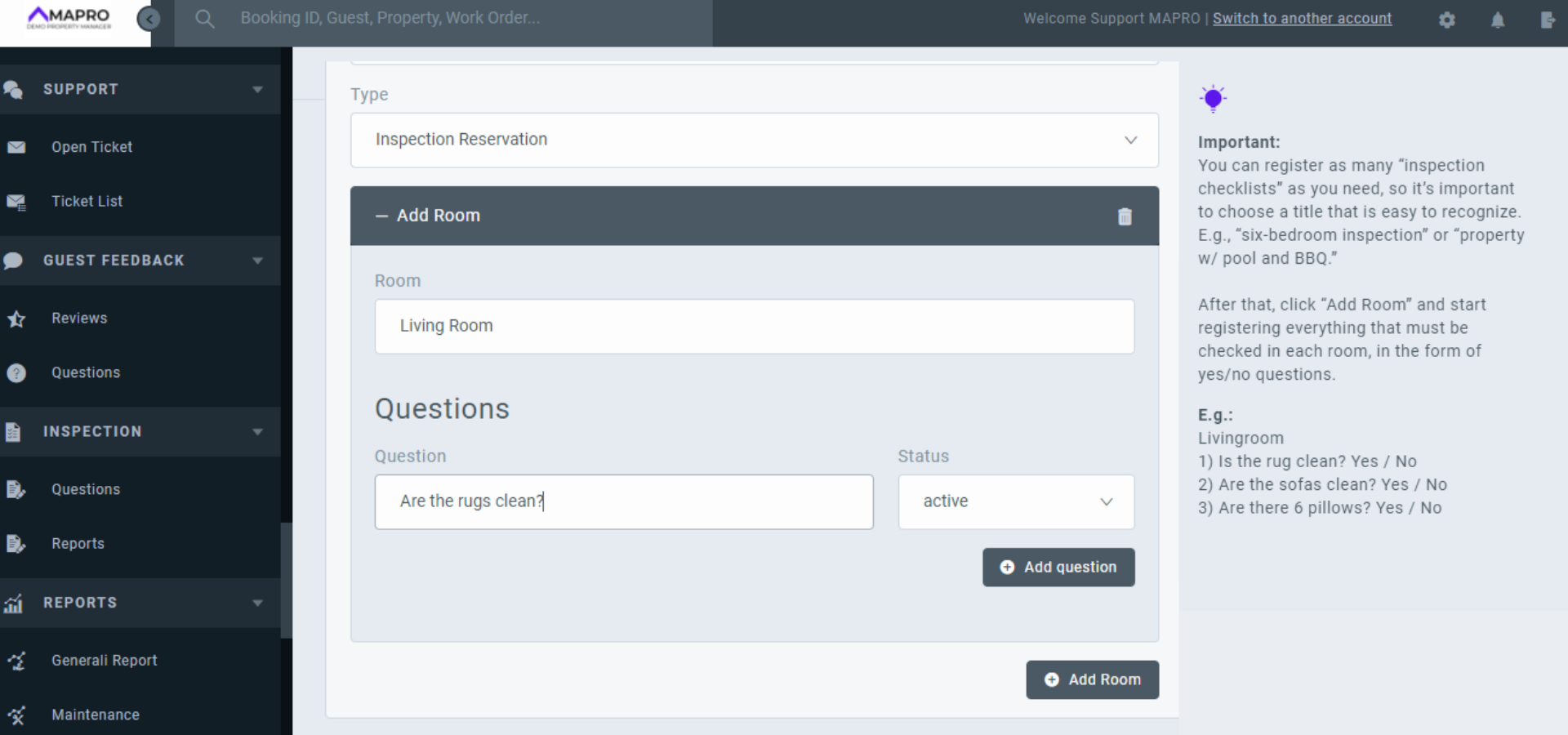
To register questions for the inspections’ checklists, go to MENU > INSPECTION > QUESTIONS and click “Add Inspection Checklist.”
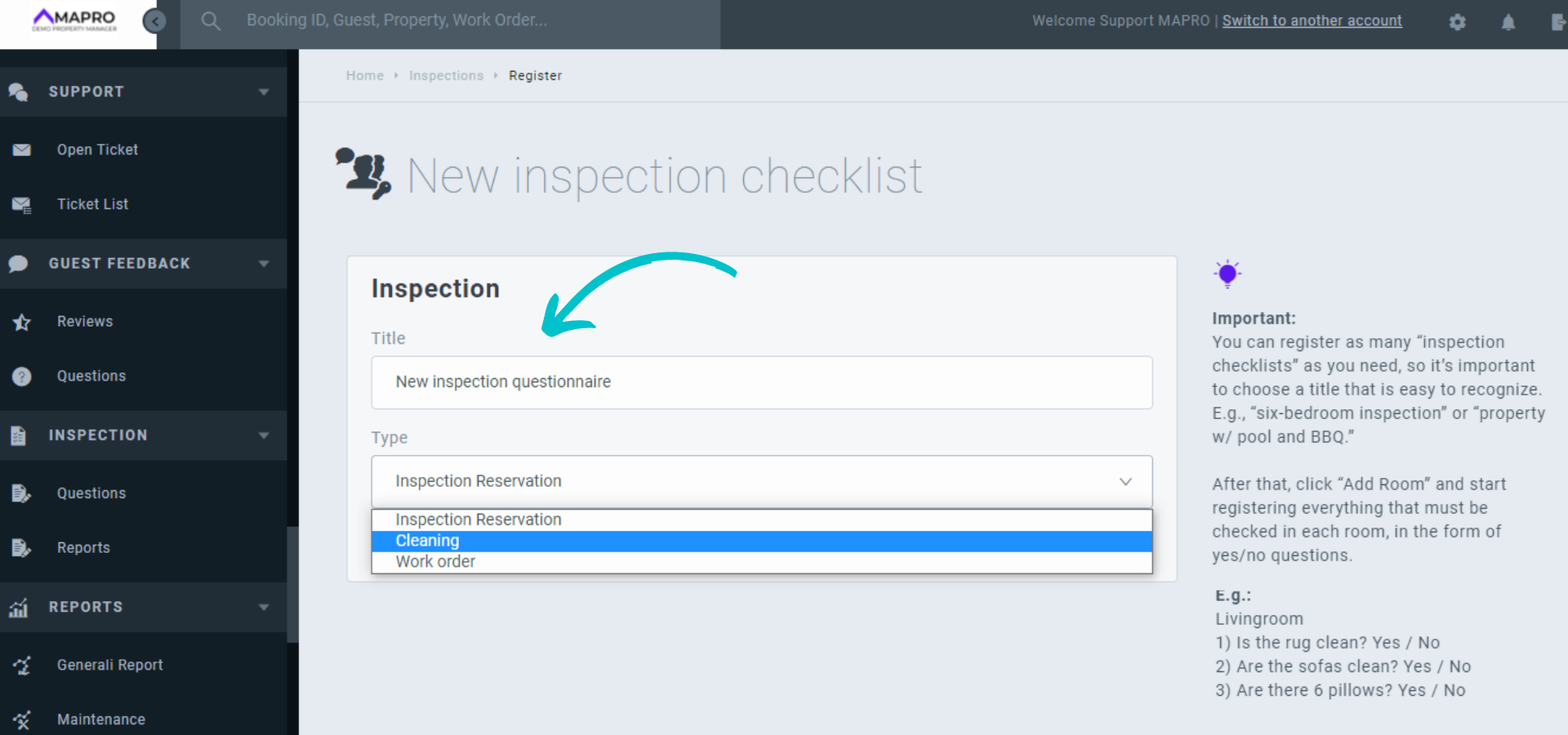
Since you can create as many checklists as you want, choose a title that is easy to recognize. E.g., "Six-bedroom inspection" or "Property with pool check-in inspection." Select also the type of inspection: Reservation, Cleaning, or Work Order.
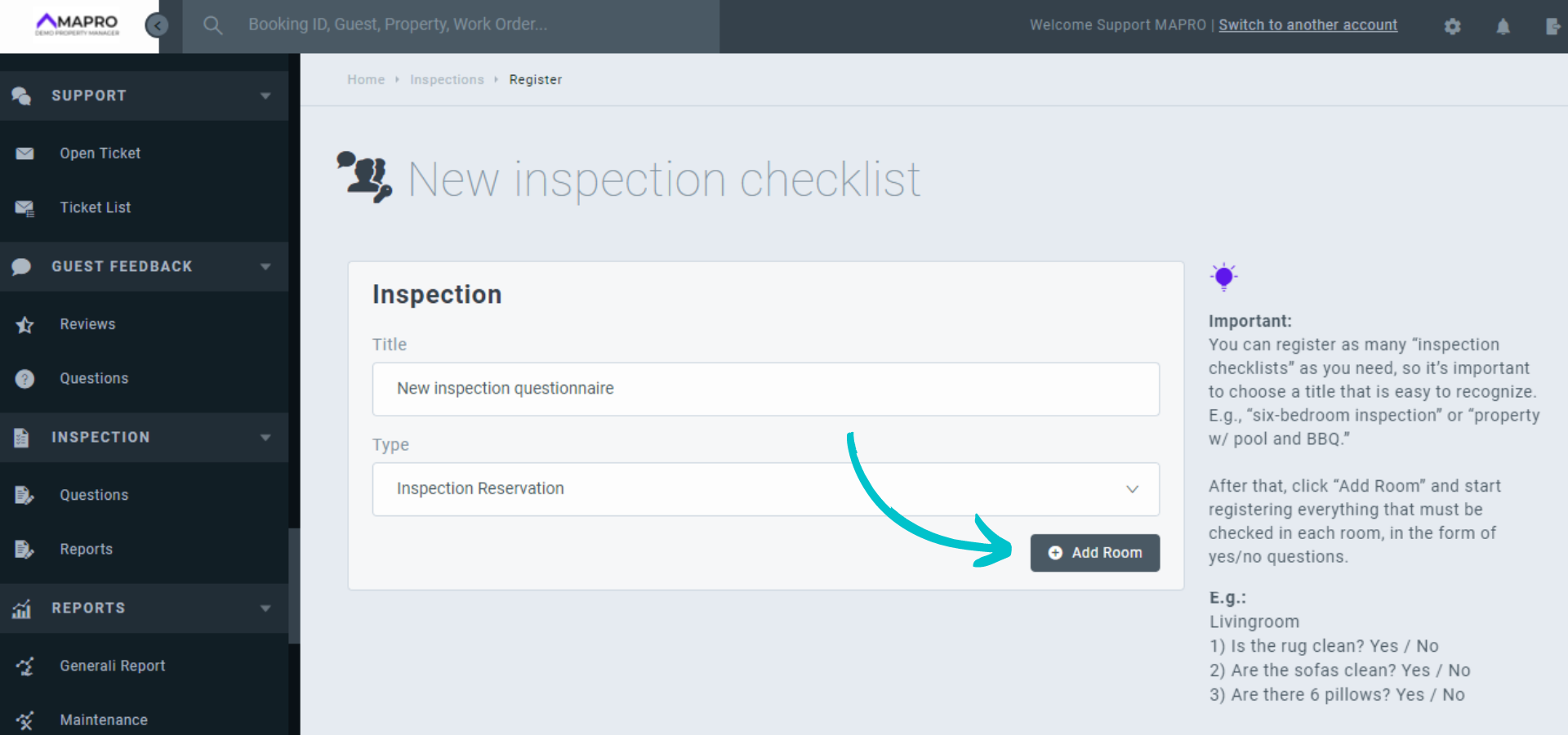
Then, you can start registering questions for the rooms you wish to include in the inspection. First, enter the room, e.g., "Living room."
Inside the room, you can register as many questions as needed to cover the whole inspection. Once you're done registering all the rooms and the questions for each of them, click "Save" at the bottom of the page.
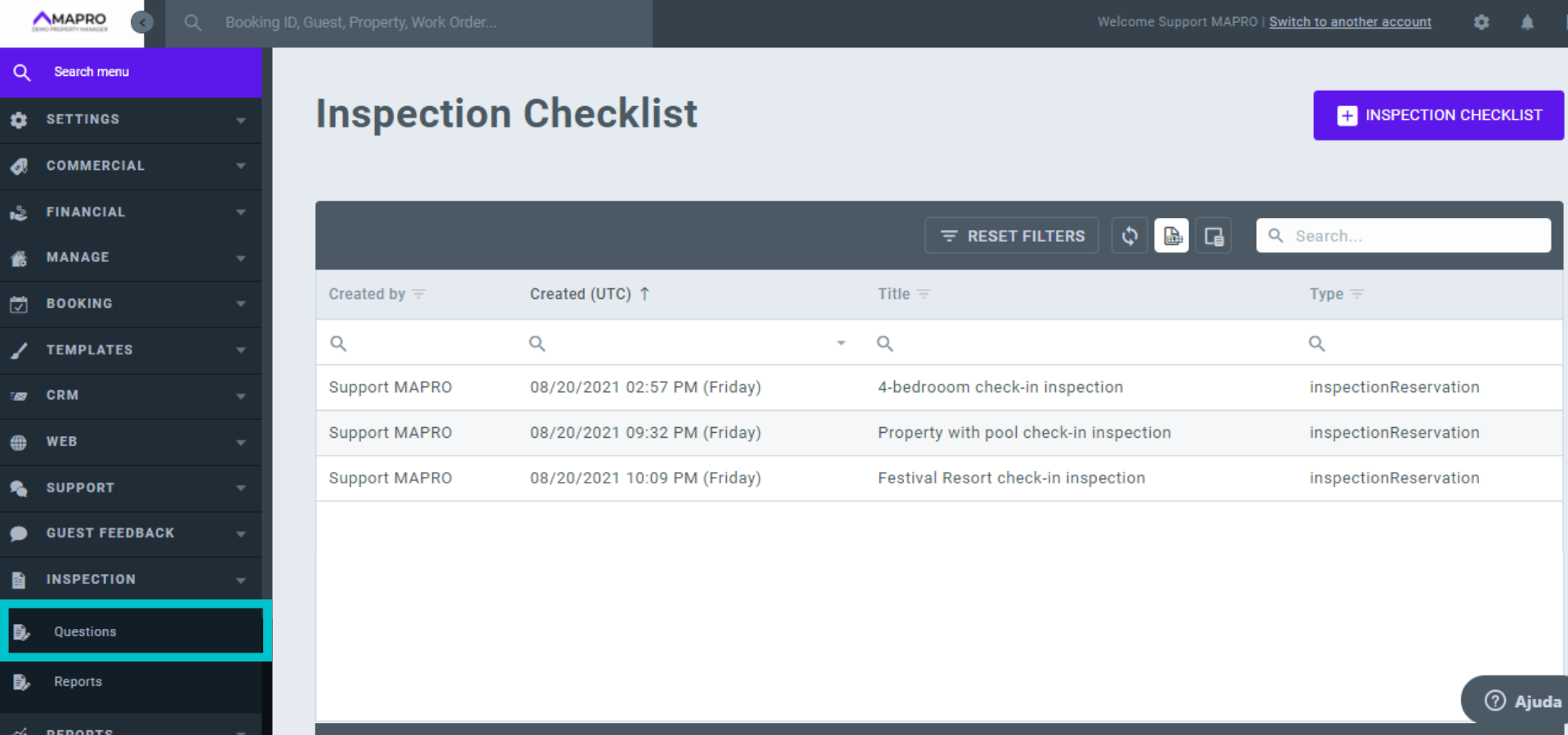
After saving them, your checklists will be all listed on the "Inspection Checklist," where you can see and edit anything you need.
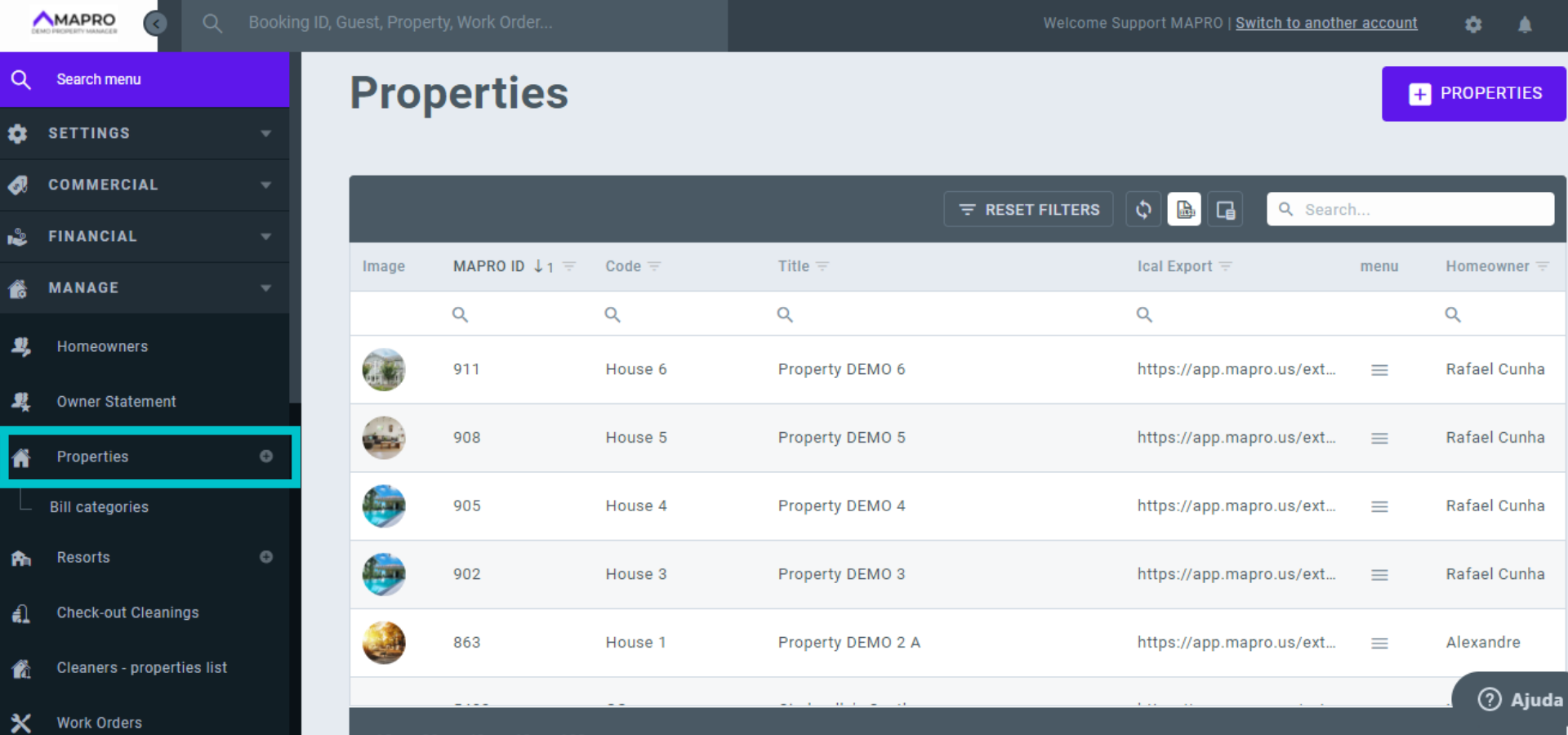
To include a checklist on a property, go to MENU > MANAGE > PROPERTIES and select a house.
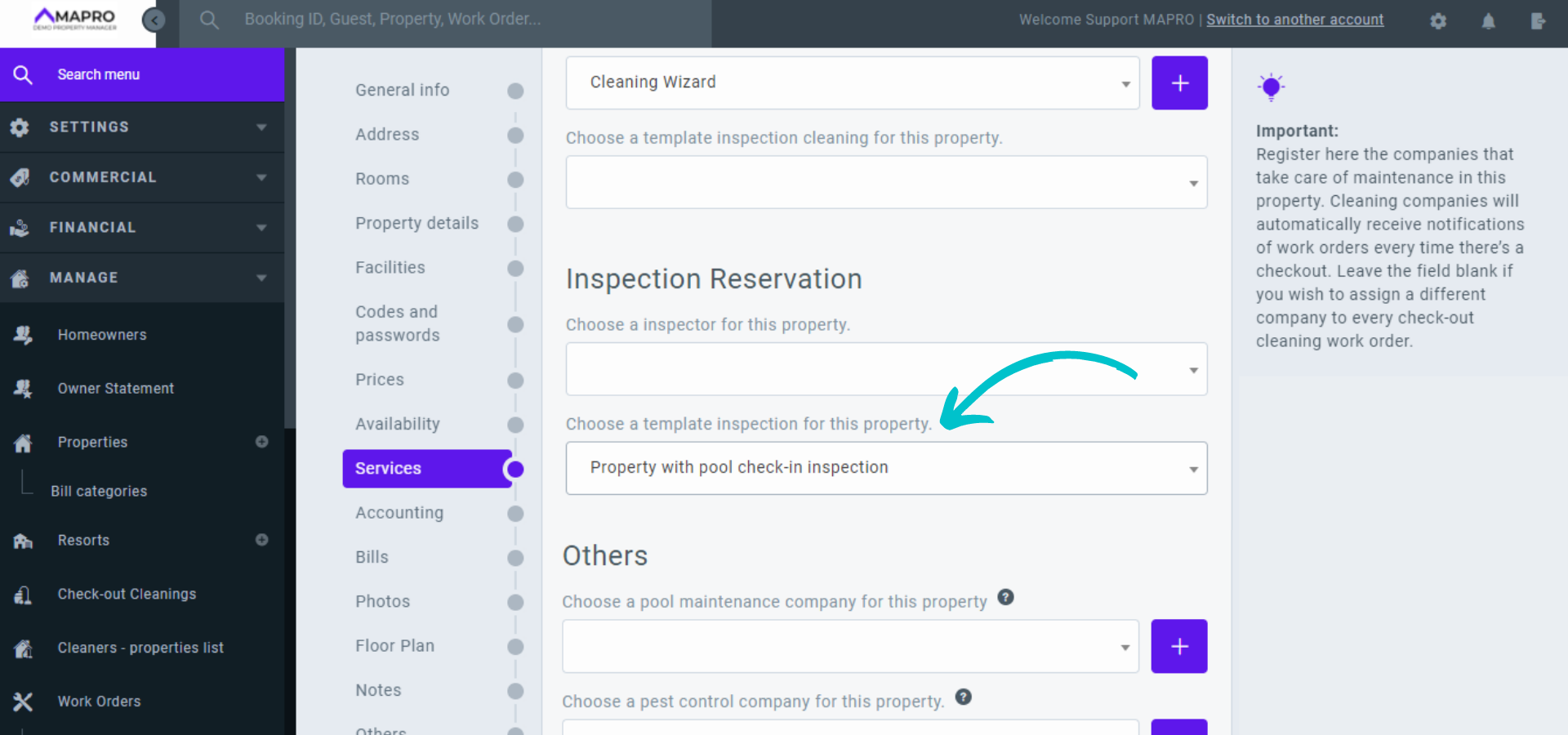
Then, in "Services," you can select, out of the checklists registered, the one you wish to include in this specific house. This will create automatic inspections that will appear for the inspector on the "Inspection schedule." If you want to assign a person to make all the inspections in this house, you can select them on the field above the template.
To view the reports, go to MENU > INSPECTION > REPORTS. Here you will be able to see, according to the status, if the inspection has already been answered or not. There are three possible status: pending, start, and finished. If the inspector found a problem, it will also be shown in the report in the column "Has Issue," and you can see what it is by clicking on it.
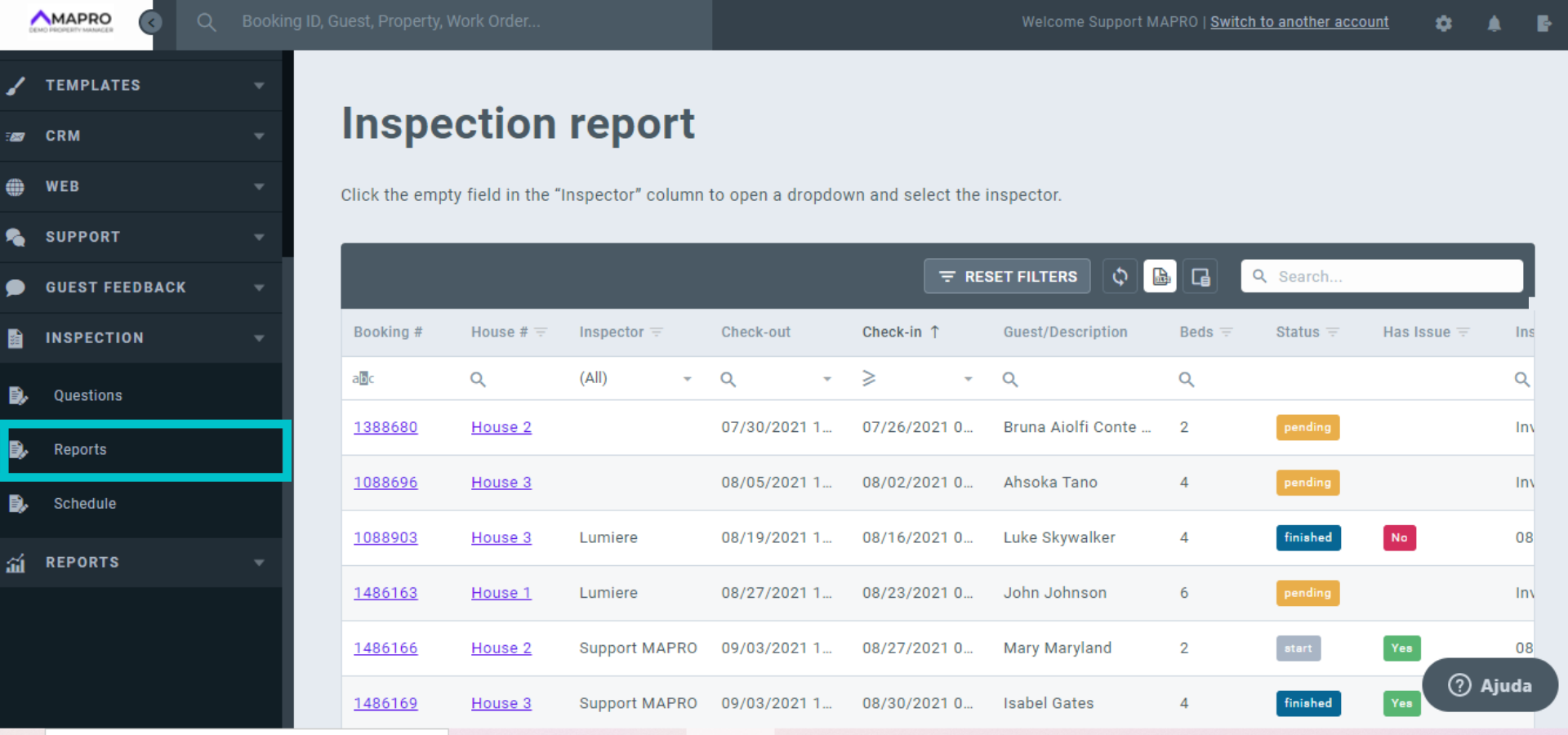
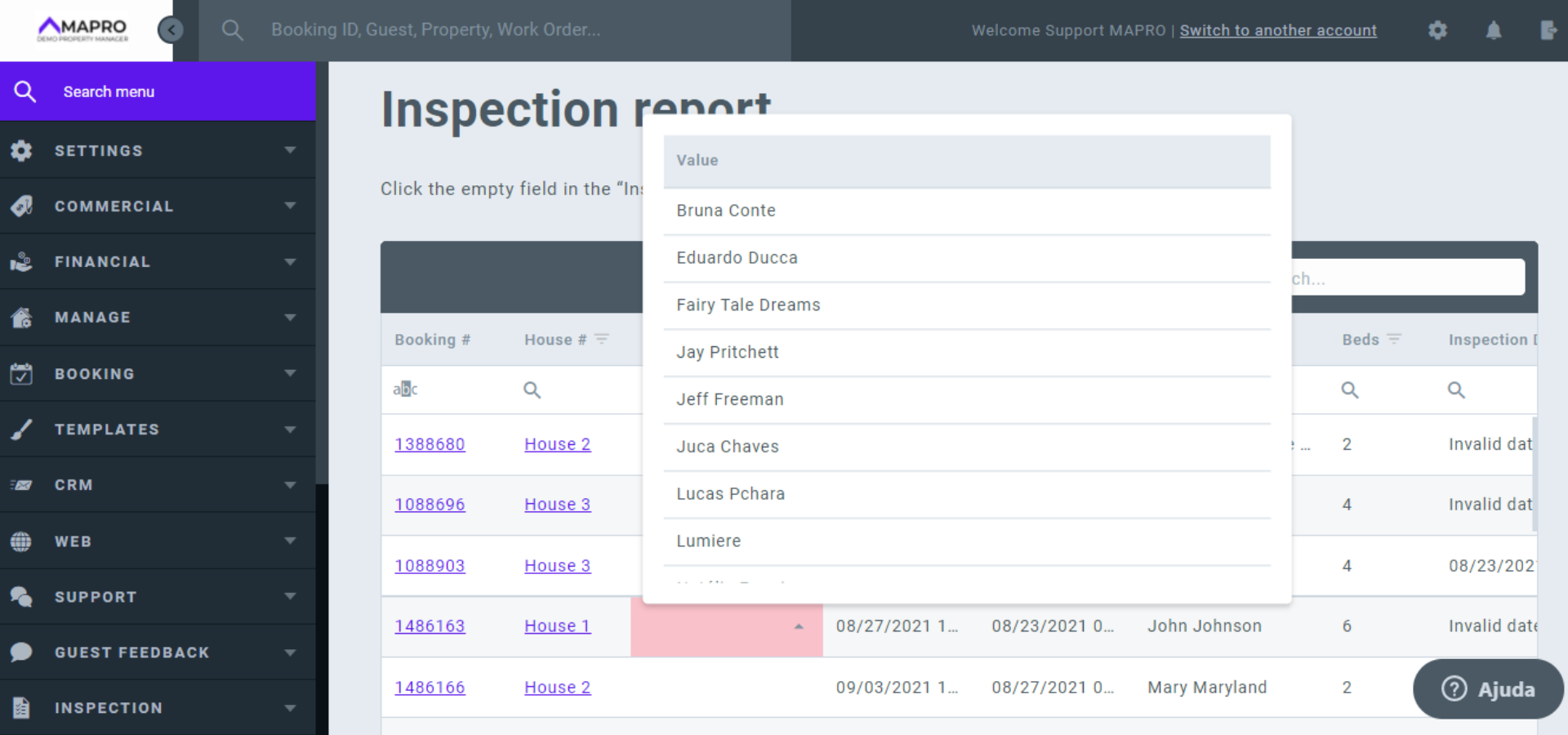
In case there is not one inspector assigned for the service in the house, you can assign one through the report.