loading.. Please Wait
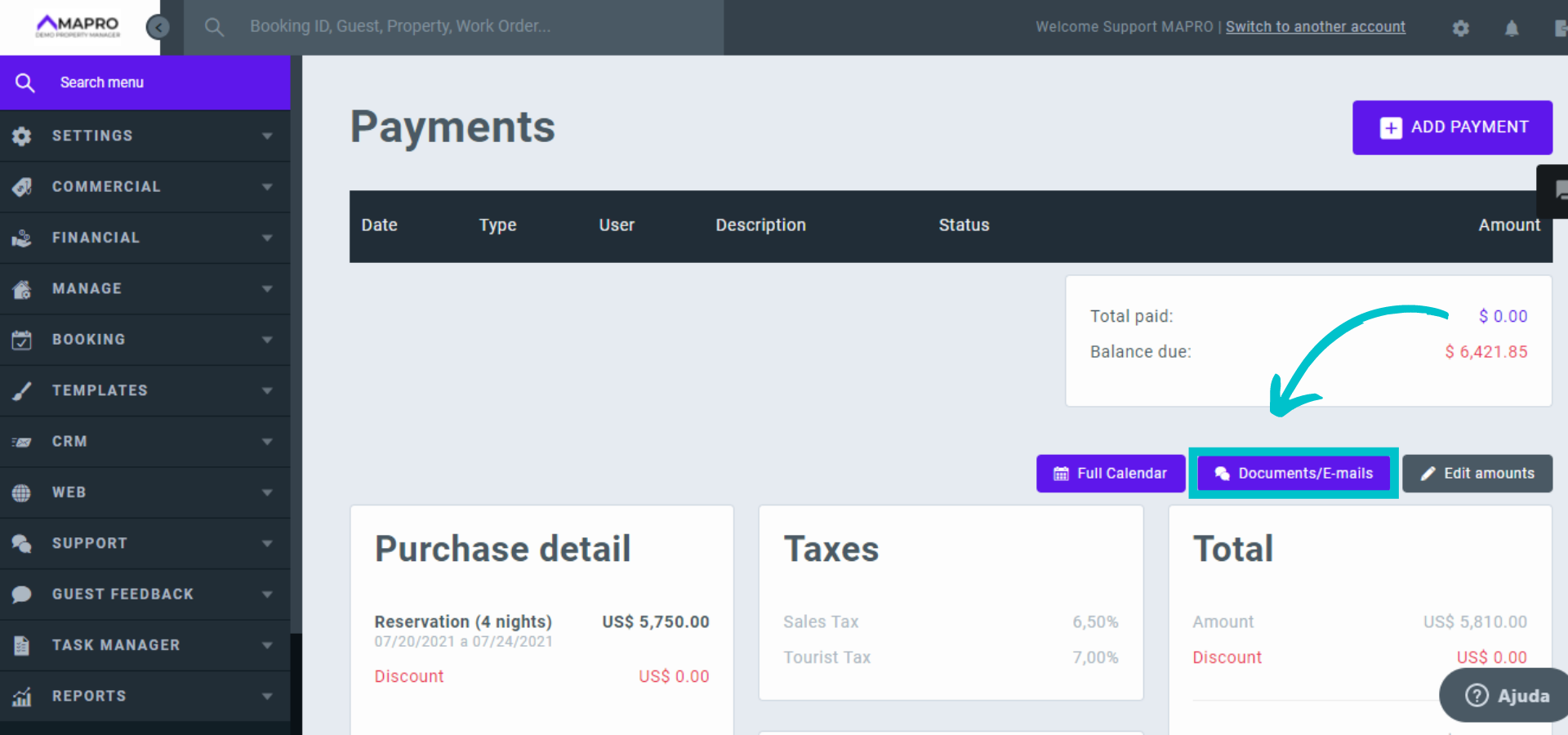
Whenever you make a reservation through the system, the guest will automatically receive an email to sign the rental agreement and fill in the credit card details. You will receive an email to let you know that the guest has sent all the documents. Then you should open the reservation, scroll down the page and click on “Documents/E-mails.”
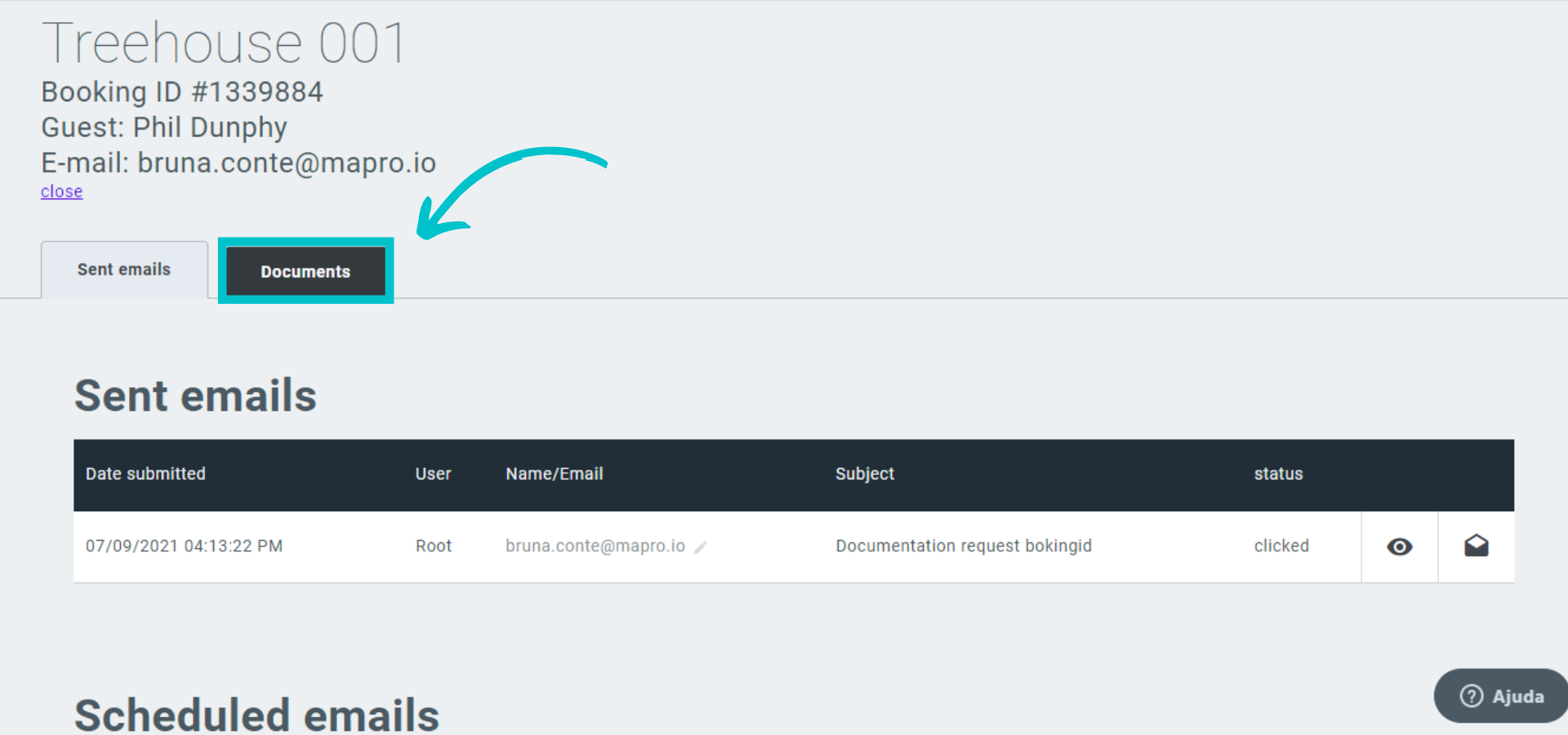
Click the “Documents” tab.
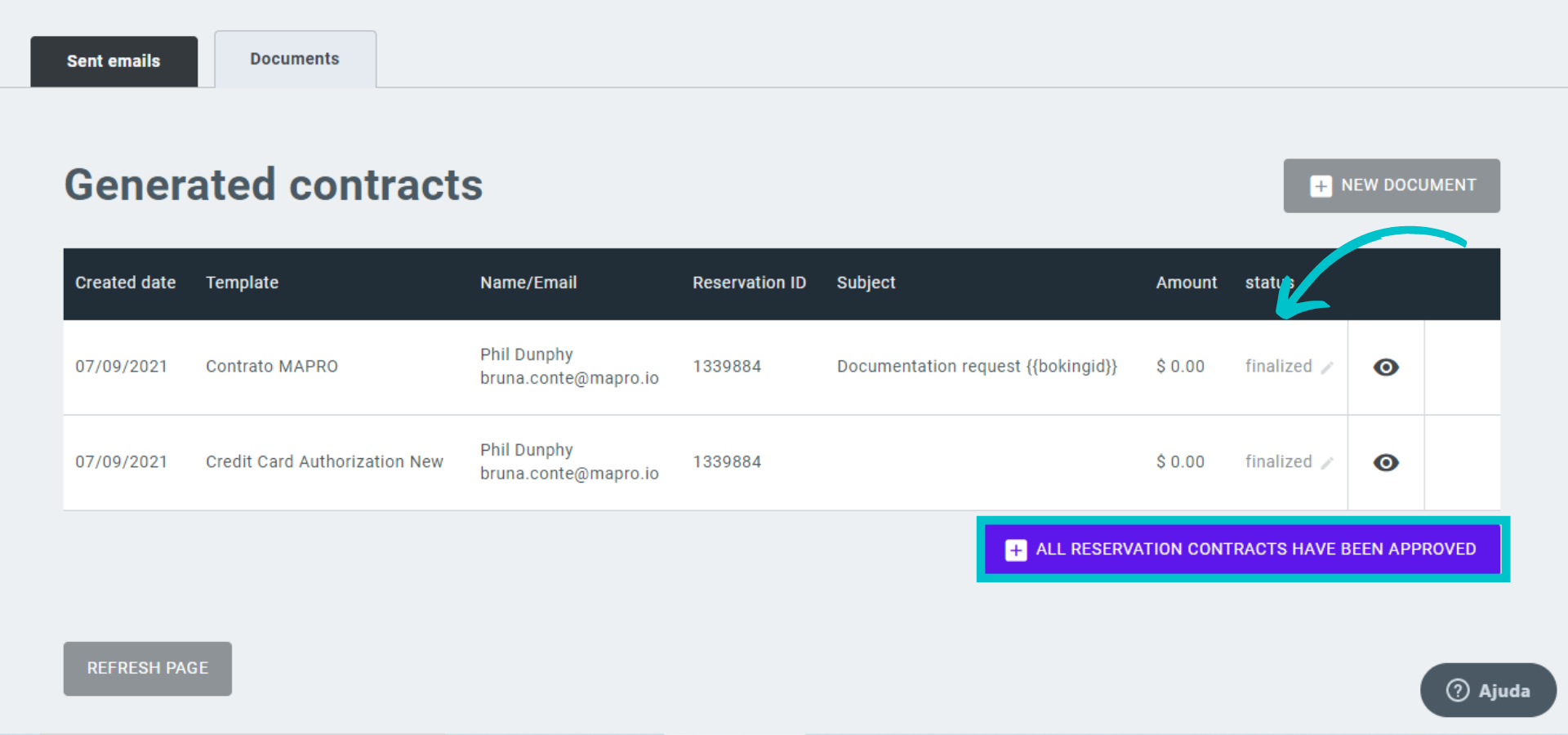
Notice the "Document status" should be "finalized." Check if all the documents are correct and click “All reservation contracts have been approved.” A message will be displayed, asking you to confirm the approval and then the confirmation will appear.
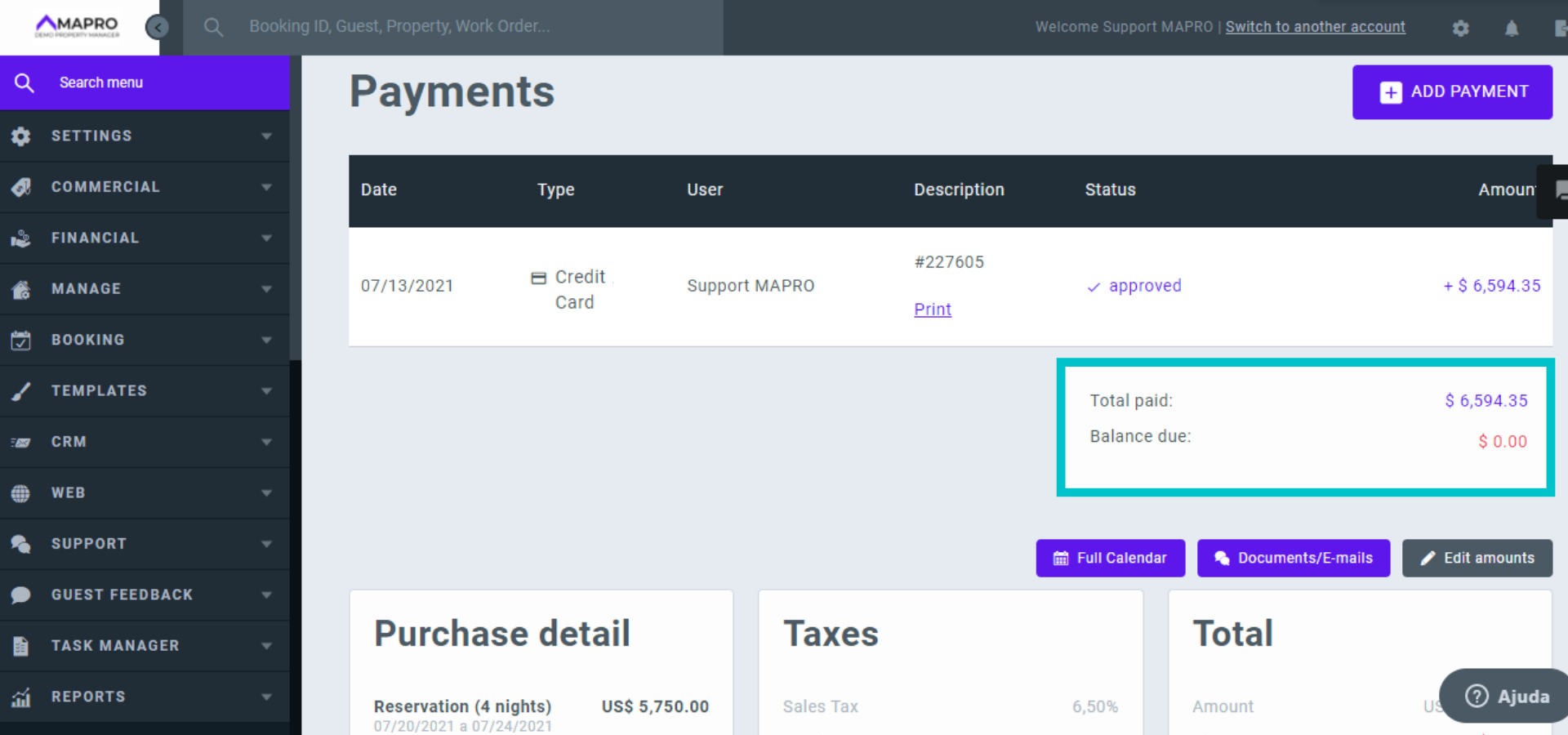
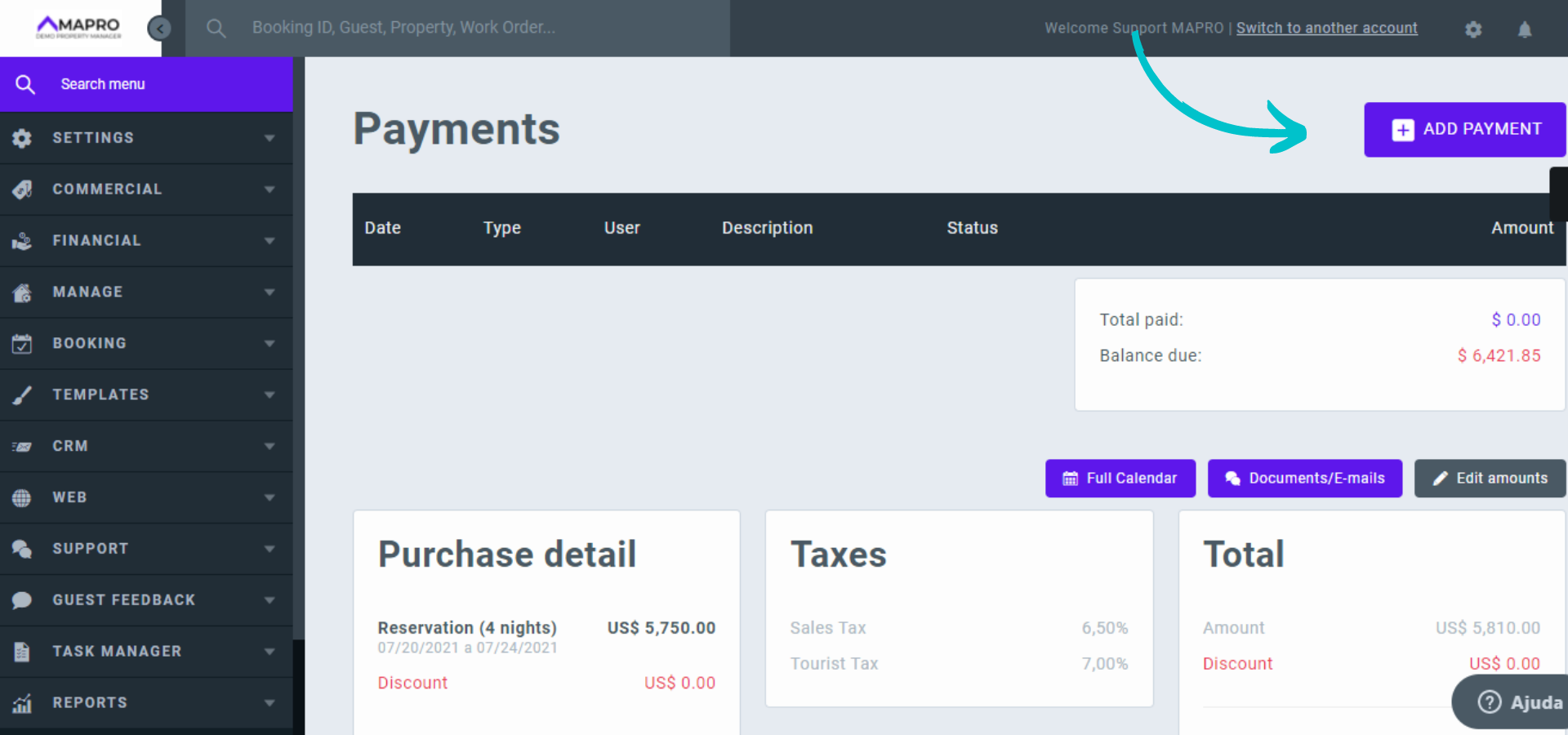
Close the documents window and return to the reservation. Next, click on “Add payment.”
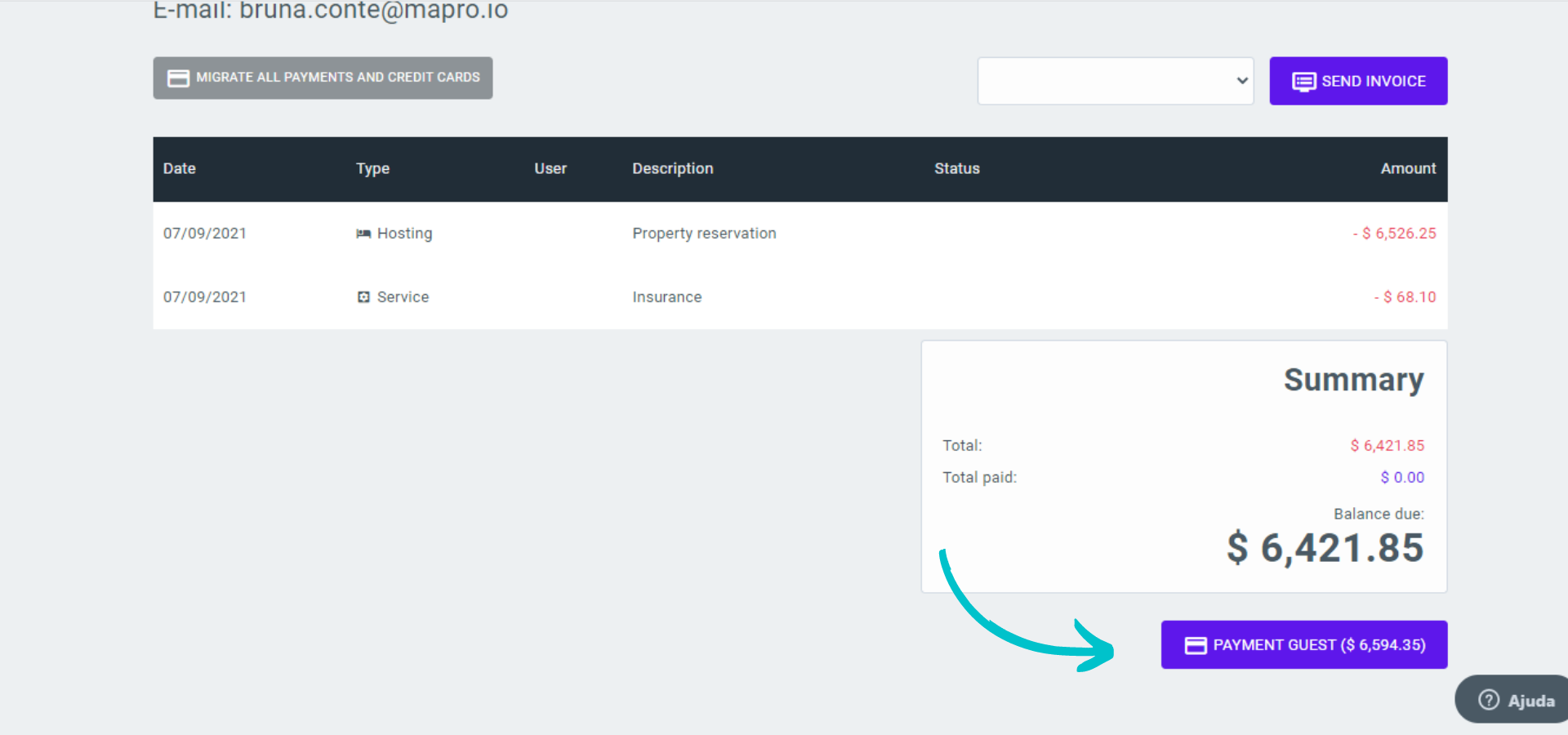
Check if the amount to be paid by the guest is correct and click on “Payment guest.”
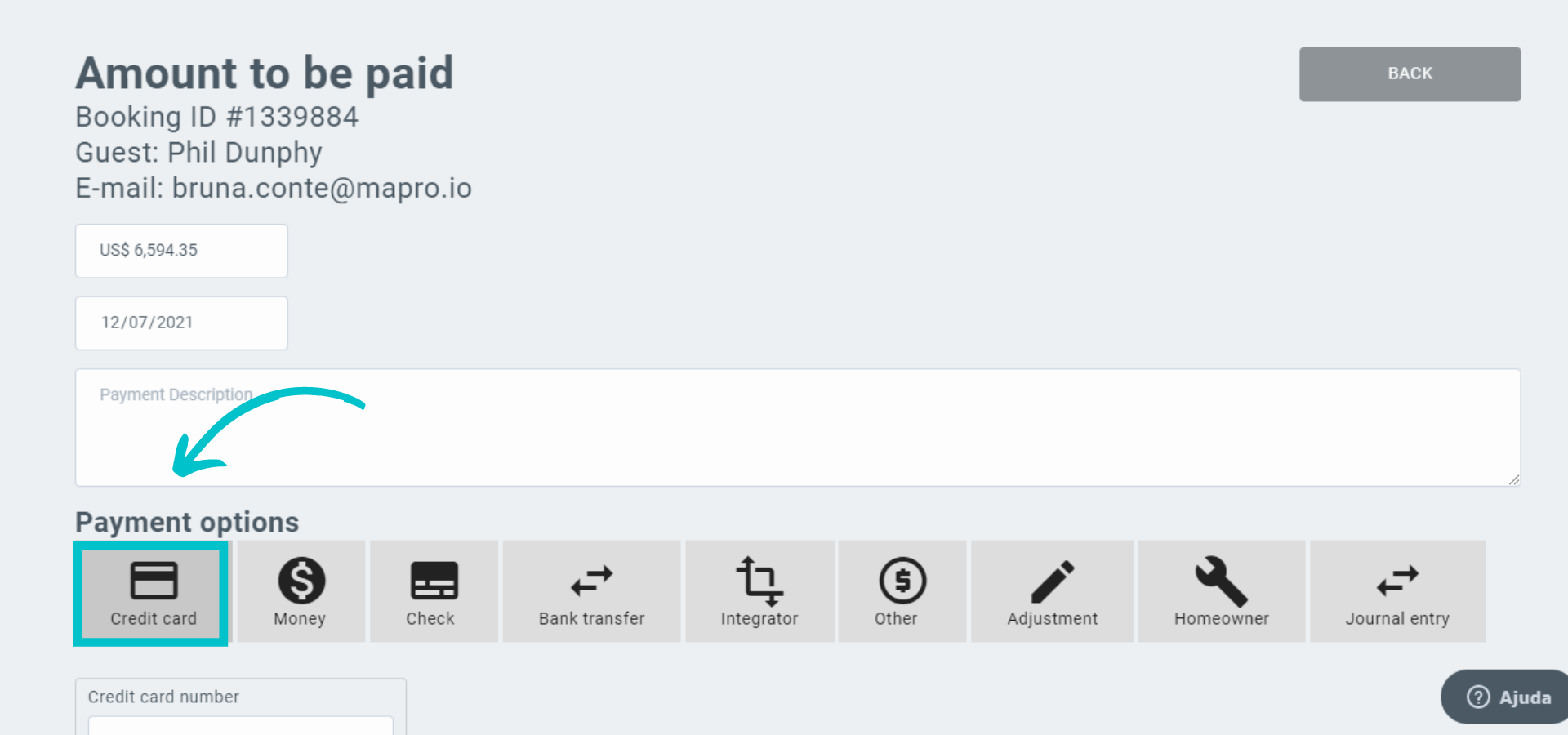
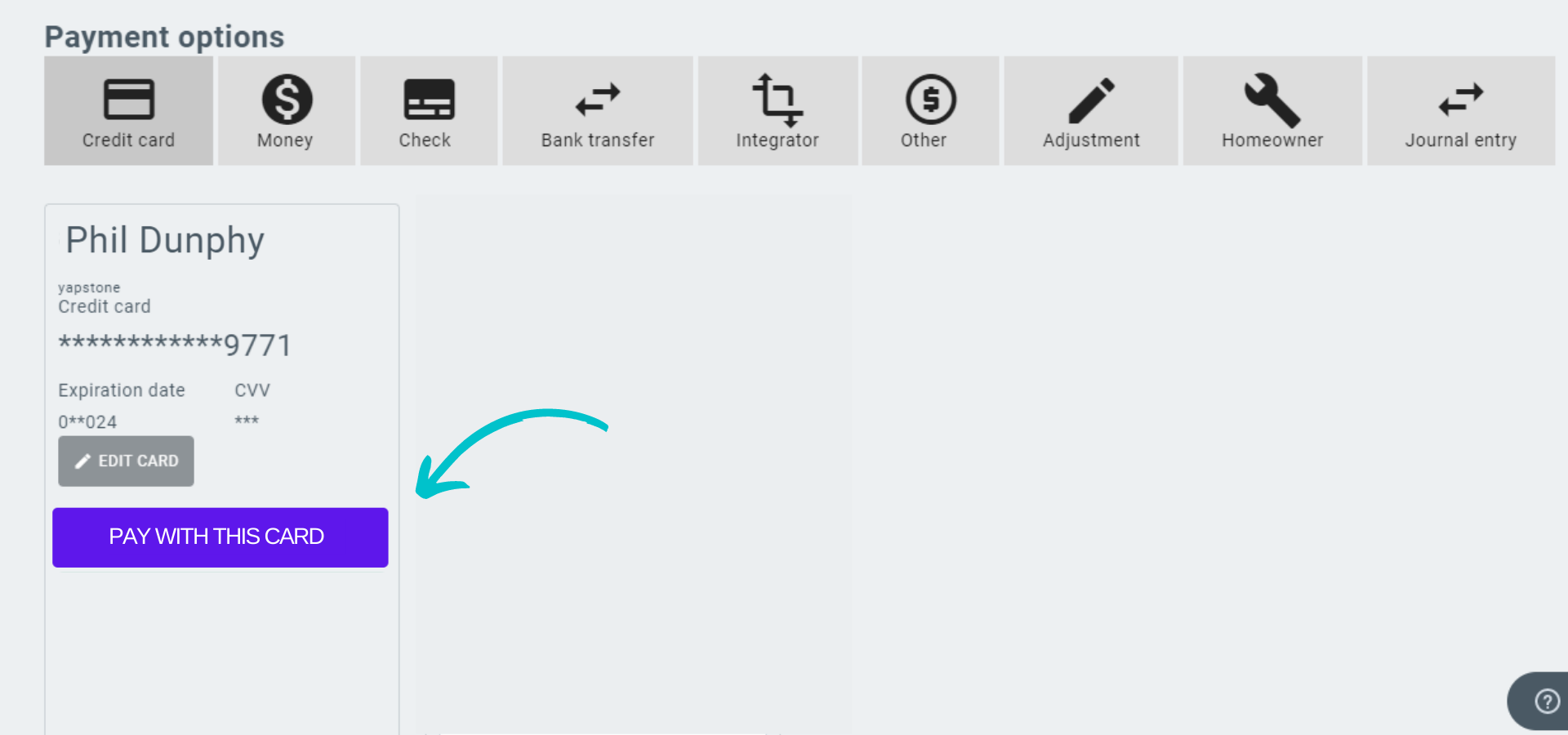
Check the value to be charged in the first field. In case of partial payments, edit the amount to be charged accordingly. Then, select payment with the credit card on “payment options” and click on the button to charge the registered credit card.
Close the "payment" page and return to the reservation. If the payment information is not updated, refresh the page or save the changes.