loading.. Please Wait
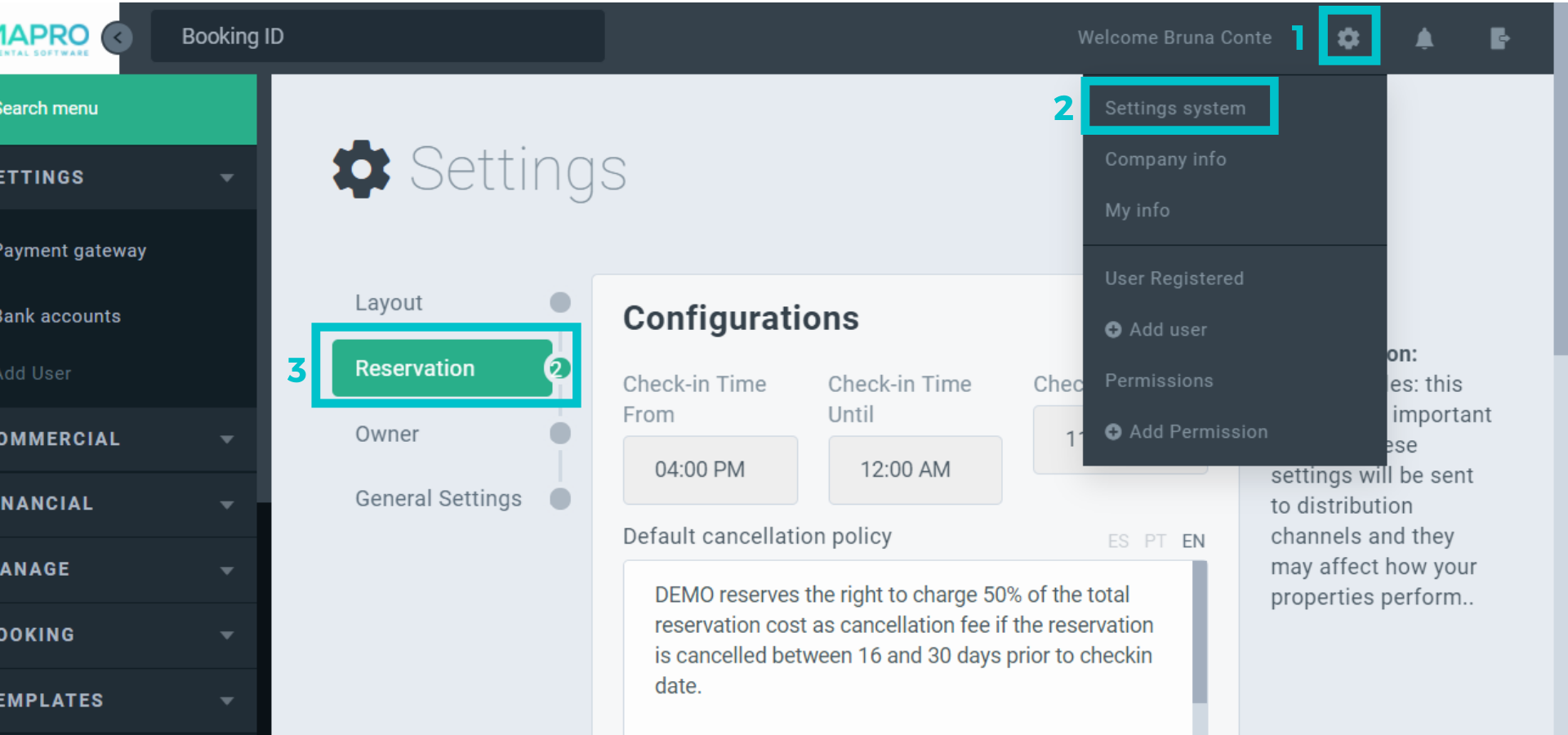
To set or edit the cancellation policy of your company, click on the engine icon on the right to access USER'S MENU > SYSTEM SETTINGS, and then choose “Reservations” on the submenu on the left.
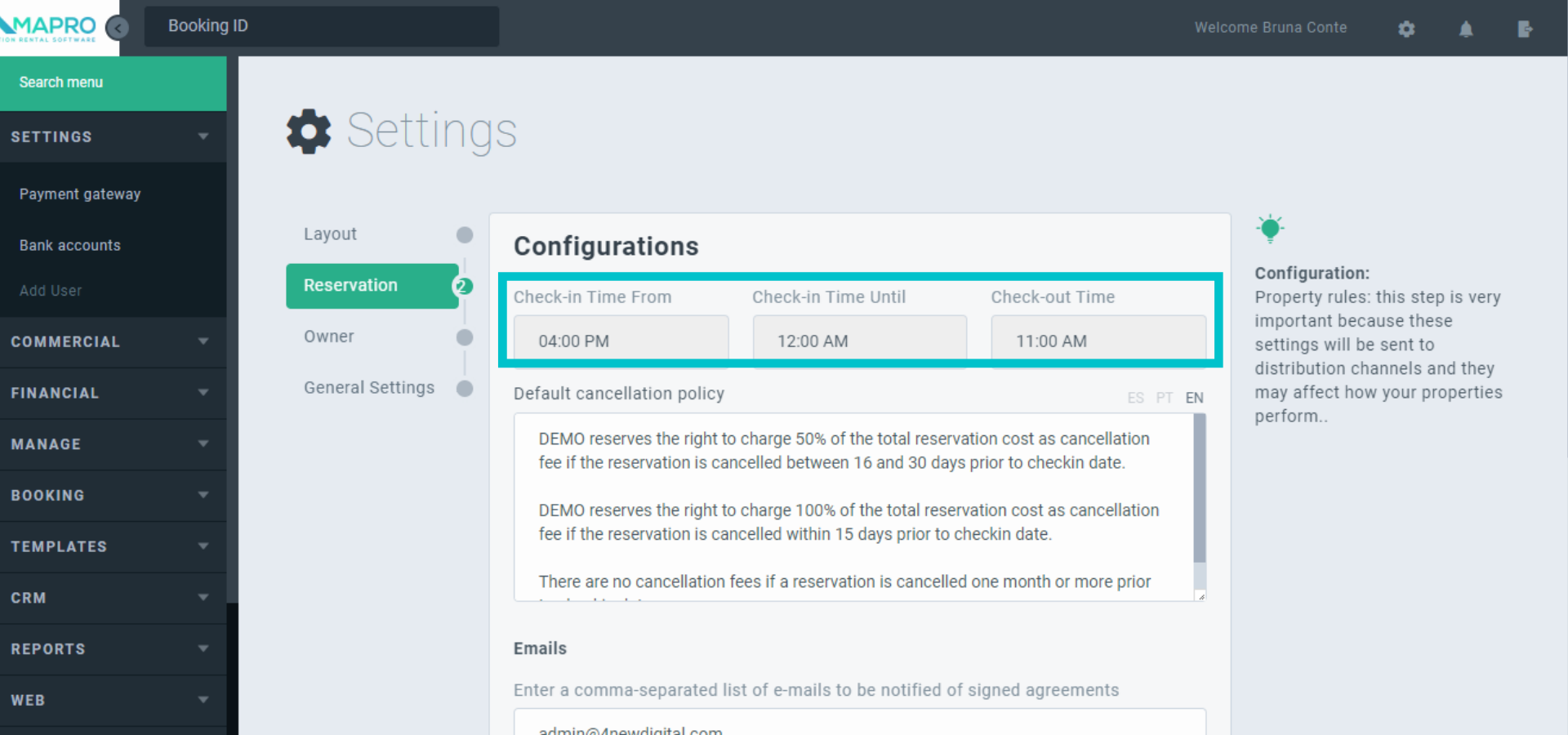
Use the time fields to define time limits for the guests to check-in and out.
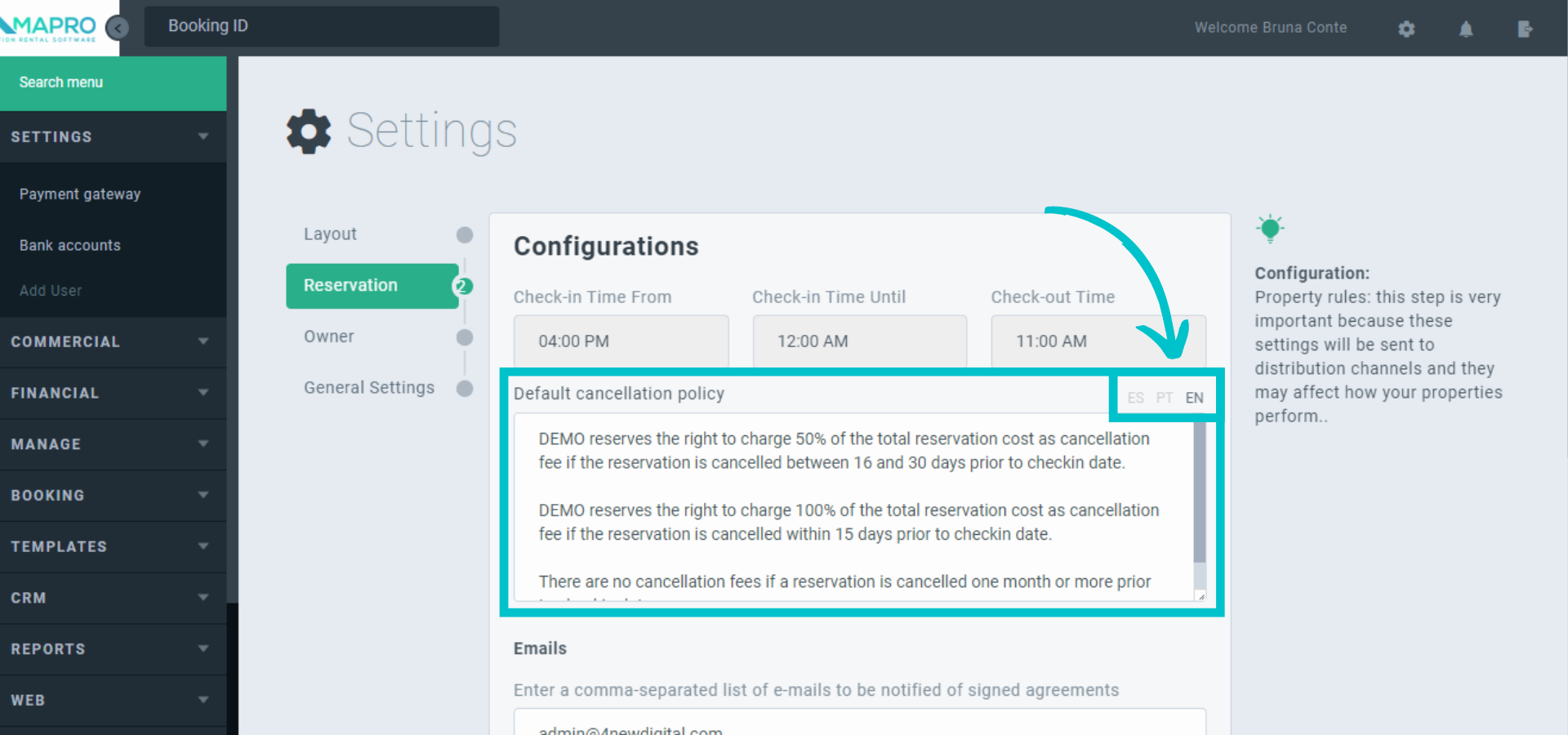
Type into the “Default cancellation policy” field the message guests will see on your company’s website to learn about it. Choose the language on the upper right corner (Spanish, Portuguese, or English).
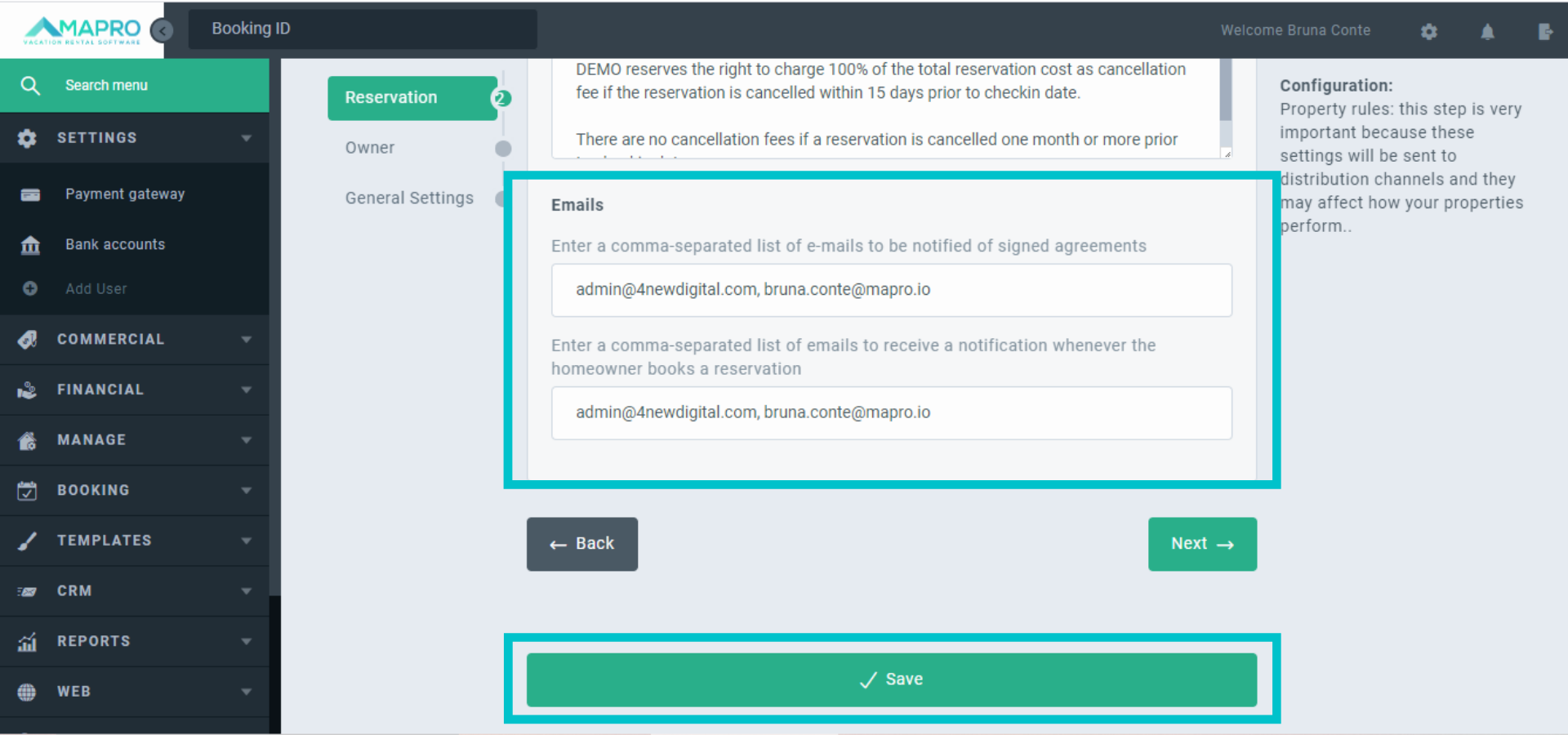
Register the email addresses to receive notifications of signed agreements. On the second field, the ones to be informed when the homeowner books a reservation. Click on “Save” at the bottom of the page.
Important: Separate all addresses in the same field using commas.